Block properties
User properties
Target users based on their properties.
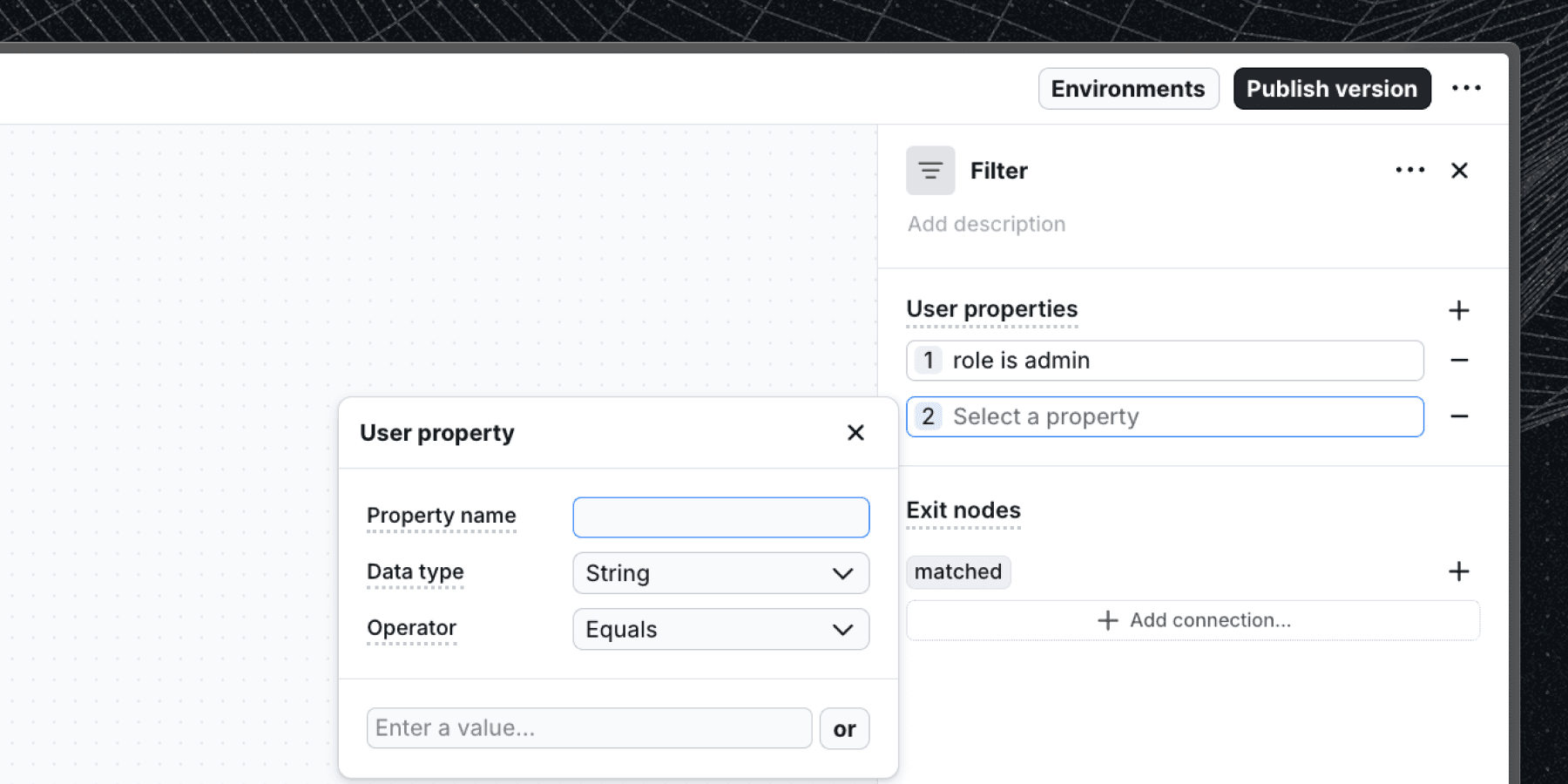
User properties are available in built-in logic blocks and on block exit nodes.
Overview
User properties fields allows you to target users based on their attributes. You can add multiple user properties to target users based on their attributes, in that case the properties are combined with an AND operator.
Options
- Property name: The user attribute to target.
- Data type: The data type of the user attribute. See supported types.
- Operator: The operator to use when comparing the user attribute value.
- Values: The value(s) to compare against the user attribute. You can add multiple values to match against (in that case the values are combined with an OR operator).
How conditions work
- Multiple conditions on the same block use AND logic — the user must match all conditions to pass.
- Multiple values within a single condition use OR logic — the user must match at least one value.
For example, plan equals pro OR enterprise AND createdAt greater than 2025-01-01 matches users who are on either the Pro or Enterprise plan and signed up after January 2025.
Where user properties are used
User property conditions appear in the following blocks:
- Automatic start — controls who can enter a workflow.
- Manual start — controls who can enter a manually-triggered workflow.
- Filter — controls who can continue within a workflow.
They are also available as an exit node trigger on other blocks, where they move the user to the next block as soon as their properties match.
Last updated on