Agent skills
Install Flows agent skills to let your AI coding assistant set up and manage Flows in your project.
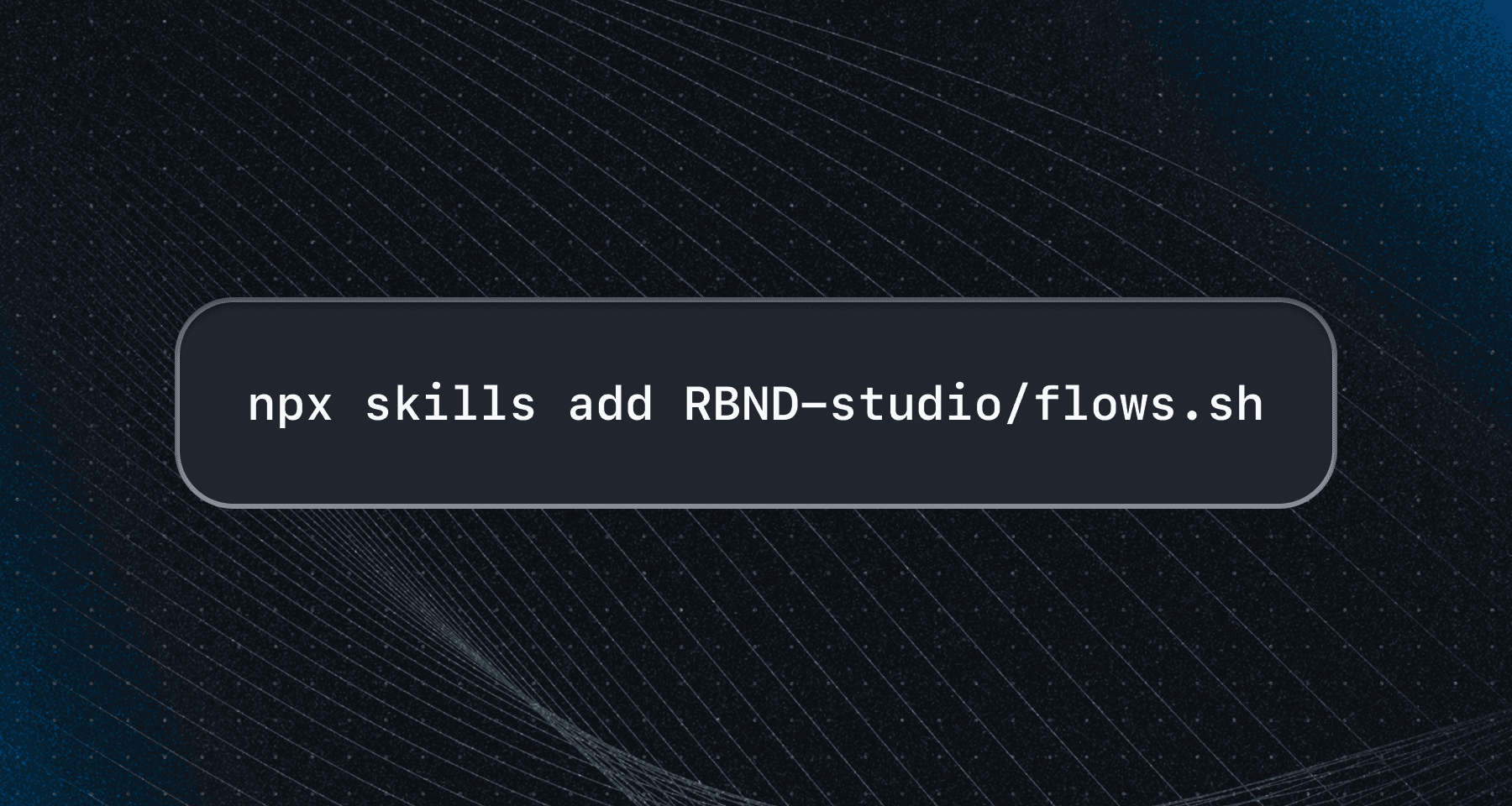
Skills are small modules that teach your agent how to work with Flows. Install them once in your project, and your agent can reference them whenever you ask it to do something Flows-related.
Skills work with any agent that supports the open agent skills ecosystem.
Flows install skill
This skill lets your agent install Flows in your project. It detects your framework, installs the right packages, and sets up the SDK in the correct location.
Run this command in your project directory:
npx skills add RBND-studio/flows.sh --skill flows-installThis installs the skill into your project so your agent can use it automatically. Once installed, ask your agent: "Install Flows in my project" and it will handle the rest.
Flows best practices skill
Best practices for using Flows. Contains comprehensive references related to each feature of Flows. Use it when building, debugging, or answering questions about Flows.
npx skills add RBND-studio/flows.sh --skill flows-best-practicesThis installs the skill into your project so your agent can use it automatically. Once installed, ask your agent: "Help me build a tour" or "How can I embed a component" and it will reference the best practices skill to provide accurate guidance.
Last updated on