Examples library
Feature announcement
Let users know about new features with a full page announcement.
Feature announcements are one of the most effective ways to introduce new features to users inside your product. A well-designed in-app feature announcement helps users understand what’s new, why it matters, and how to try it, without disrupting their workflow.
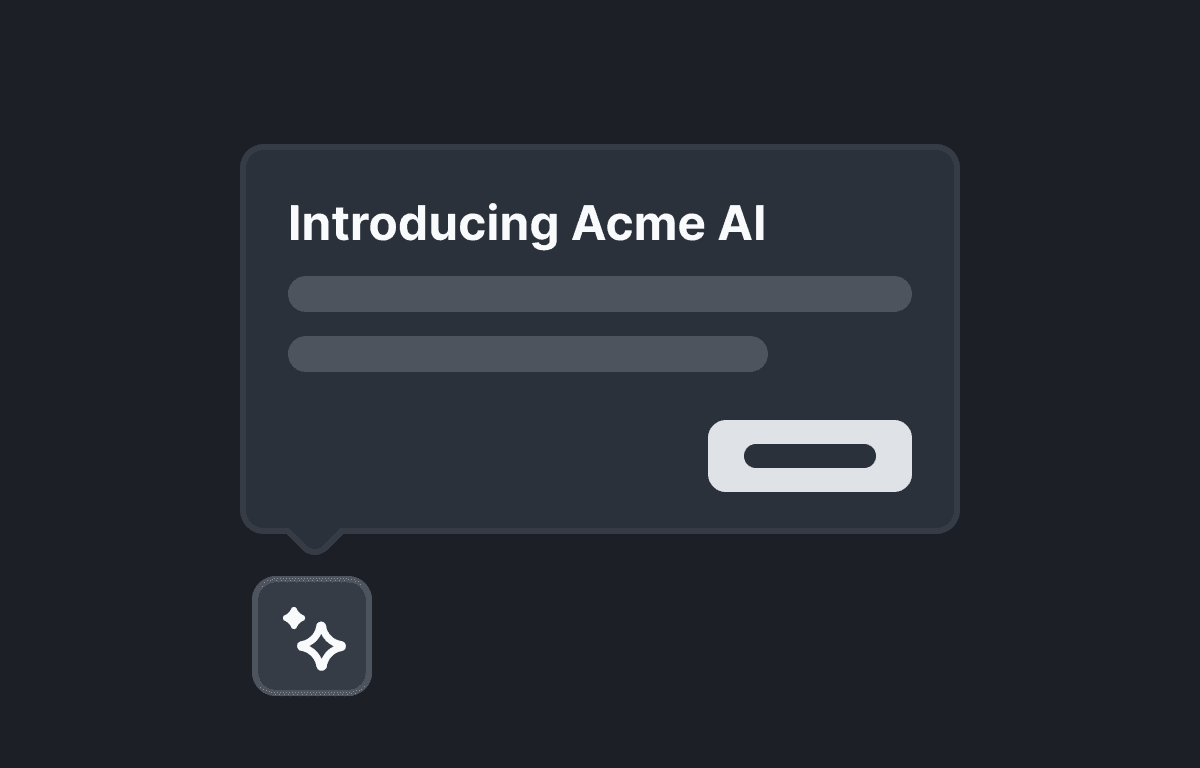
This example showcases a new feature announcement example built with @flows/react, using a full-page announcement modal to clearly explain a new feature and guide users toward action.
What is a feature announcement?
A feature announcement is an in-app message that introduces new or updated functionality to existing users. Unlike release notes or emails, in-app feature announcements appear directly inside your product, ensuring users see and understand what’s new at the right moment.
Common formats include:
- Announcement modals
- Full-page dialogs
- Banners or tooltips
- Multi-step feature walkthroughs
In this example, we use a full-page announcement modal to announce a new feature release in a clear, focused way.
Feature announcement example
This feature announcement example is shown to returning users when they open the app. It uses a custom UI component with multiple steps to:
- Introduce the new feature
- Explain its key benefits
- Show how it works
- Encourage users to try it immediately
By breaking the announcement into steps, users can quickly understand the feature without being overwhelmed by too much information at once.
Feature announcement UI and UX best practices
When announcing new product features, it’s important to balance visibility with user experience. Poorly timed or overly aggressive announcements can frustrate users and get dismissed.
A strong feature announcement UX should follow these guidelines:
DO:
- Clearly explain the new feature and its benefits
- Use engaging visuals to capture attention
- Provide a clear call-to-action (CTA)
- Keep messaging concise and focused
DON’T:
- Overwhelm users with too much information at once
- Interrupt users in the middle of critical workflows
- Show the same announcement repeatedly after dismissal
Following these principles helps ensure your new feature announcement drives adoption instead of annoyance.
In-app feature announcements with Flows
Flows makes it easy to create in-app feature announcements using custom UI components that render inside your application. Instead of layering generic UI on top of your product, you can build announcement modals that match your design system and product experience.
In this example:
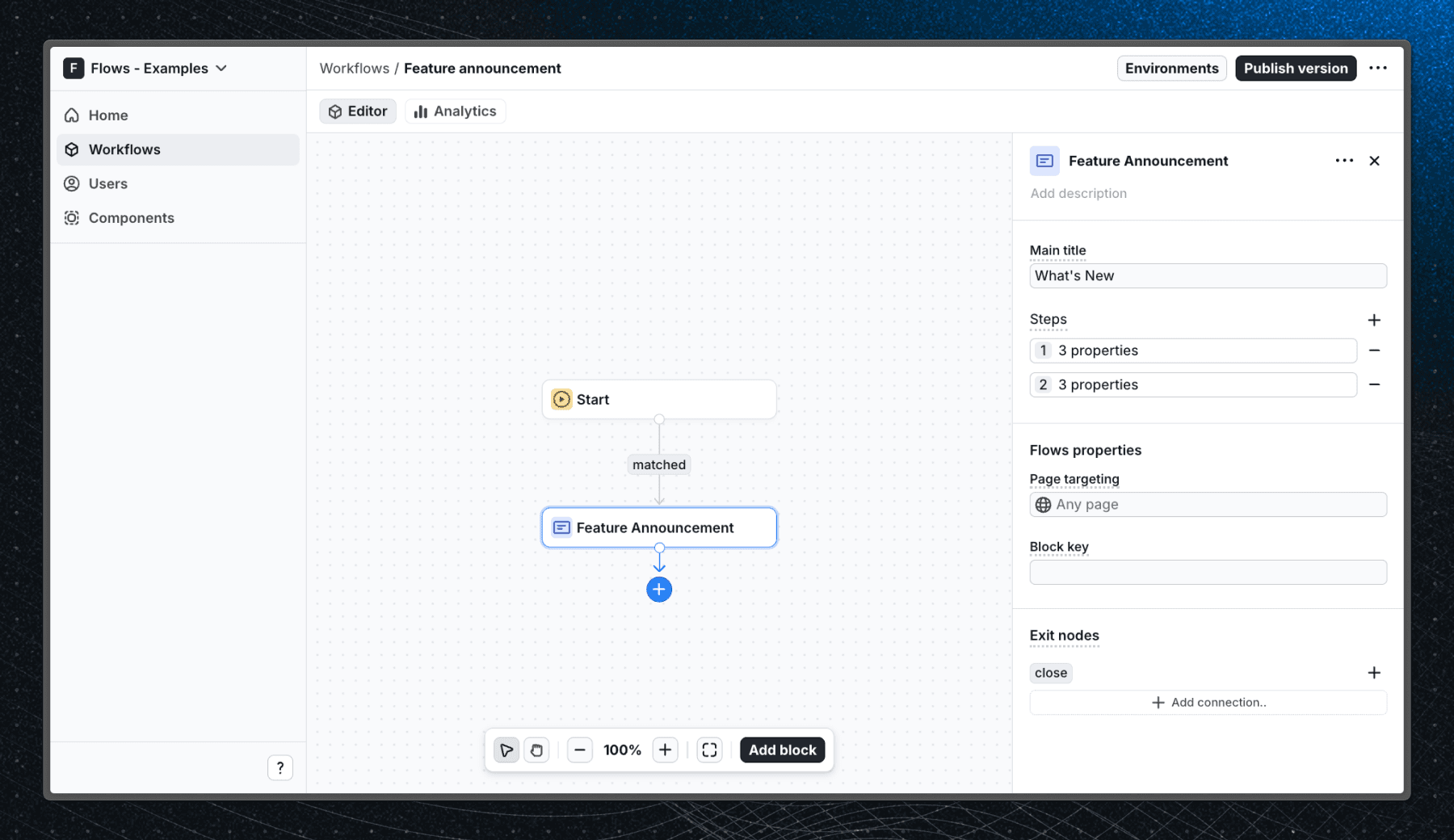
- The announcement is implemented as a custom dialog component
- The logic and state are handled by Flows
- The UI is fully customizable
- The announcement is shown only to relevant users
Below is a screenshot showing how this feature announcement workflow is configured in Flows:
How to announce new features in-app
When announcing new features, announcement modals are a proven approach, especially for important product updates.
They work best when:
- The feature represents meaningful new functionality
- Users need context or explanation
- You want to drive immediate engagement
This example demonstrates how to create an announcement modal that introduces a new feature without disrupting the overall user experience.
Getting started
To create your own new feature announcement with Flows:
- Sign up for Flows and create a free account.
- Clone the example repository from GitHub.
- Install the required dependencies.
- Add your organization ID in the providers.tsx file.
- Create a new component in your organization with the following configuration:
- UI component: FeatureAnnouncement
- Slottable: false
- Custom properties:
- Main title
- Steps (array):
- Title
- Description
- Illustration
- Exit nodes:
- close
- Recreate the workflow in your organization and publish it.
- Run the development server with pnpm dev.
Once set up, your feature announcement modal will be ready to display to users at the right time.
Learn more
To learn more about Flows take a look at the following resources:
Framework
Next.js
Tags
Explore more examples
Build anything with Flows
Build the product adoption experiences you've always wanted.