Examples library
Getting started dashboard
Show users learning resources and onboarding tips when they first sign up.
This example showcases a getting started dashboard powered by @flows/react to help onboard new users to your application.
A getting started dashboard is a centralized location where users can find resources, tutorials, and tips to help them get started with your application. It can also provide quick access to important features and settings.
Best practices:
- Make sure that users can easily access the dashboard when they need it.
- Give users the ability to re-launch onboarding tours as needed.
- Offer an option to hide the dashboard if users find it distracting.
- Include a progress tracker to show users how much they have completed.
- Use clear and concise language to explain each step of the onboarding process.
- Provide actionable call-to-actions.
Features
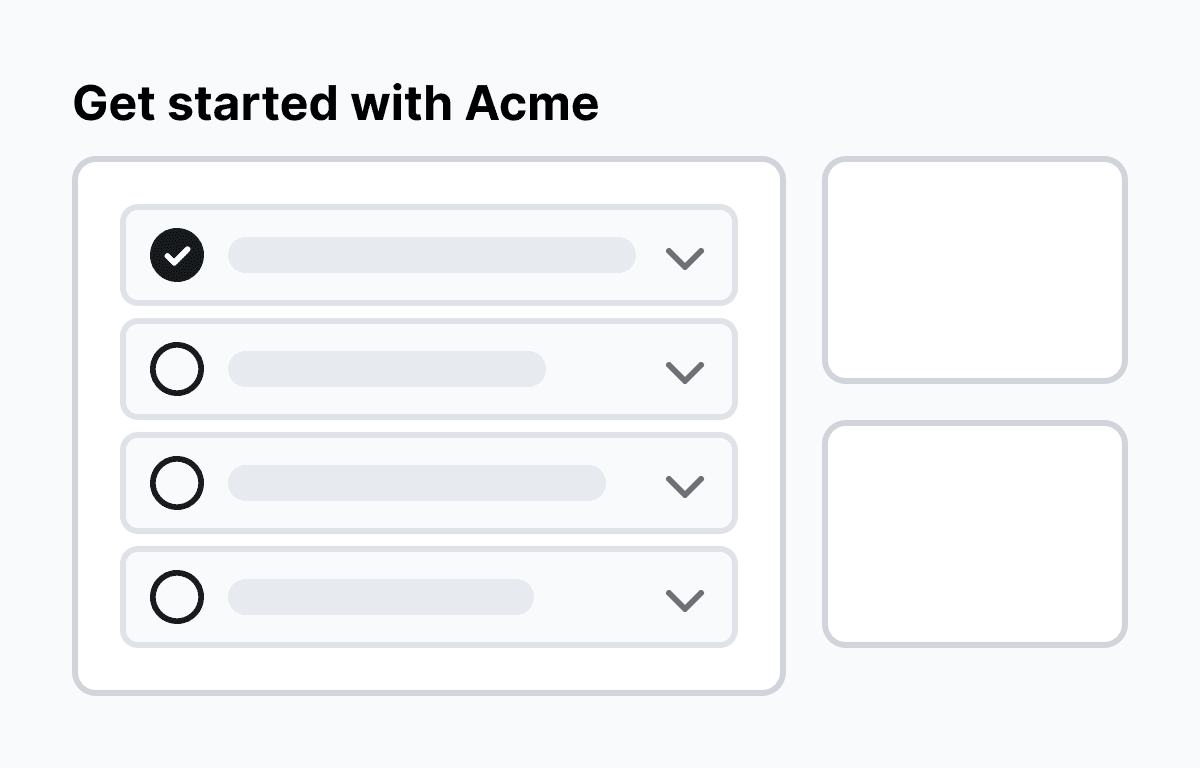
When a user opens the application, they are greeted with an onboarding dashboard, which contains a demo video, a link to a list of tutorials, and a button to launch an interactive tour.
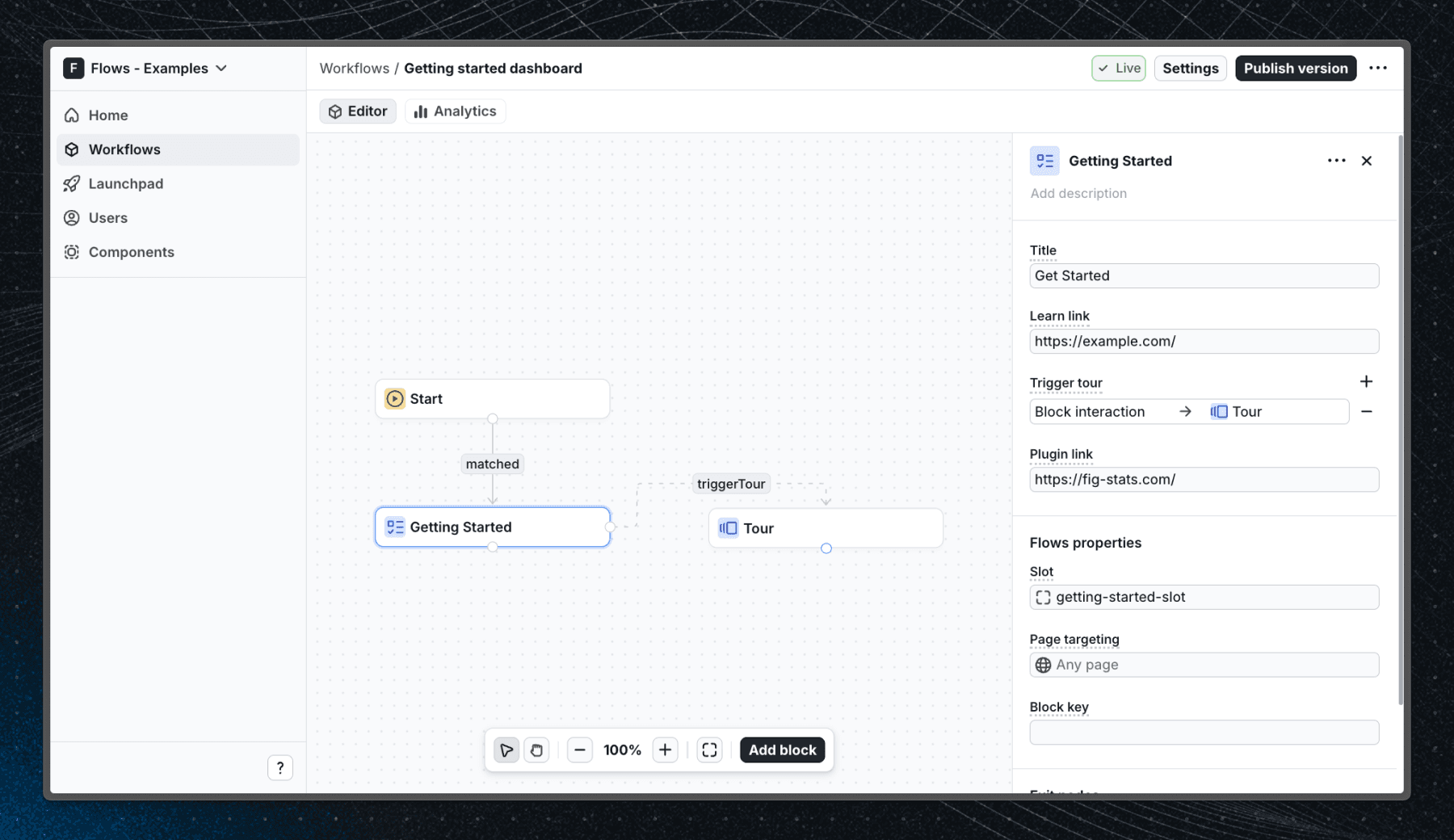
Below is a screenshot of how the workflow is set up in Flows:
Getting started
- Sign up for Flows if you haven’t already. You can create a free account here.
- Clone the repository from GitHub and install the required dependencies in the project directory.
- Add your organization ID in the providers.tsx file.
- Create a new component in your organization with the following configuration:
- UI component: GettingStarted
- Slottable: true
- Custom properties:
- Title
- Learn link
- Trigger tour
- Plugin link
- Exit nodes:
- close
- Recreate the workflow in your organization and publish it.
- Run the development server with pnpm dev.
Learn more
To learn more about Flows take a look at the following resources:
Explore more examples
Build anything with Flows
Build the product adoption experiences you've always wanted.