Examples library
Referral widget
Add an invite-and-earn referral widget to your settings page, powered by Flows.
This referral widget example shows how to embed an "invite and earn" widget into a settings page using a custom component powered by Flows.
Instead of building a dedicated referrals page and wiring up reward copy in your own code, the widget's messaging, reward offer, and referral link all come from a Flows workflow. Run different reward amounts for different user segments, or update the copy, without a deploy.
Features
- Reward copy: a title, description, and reward line (e.g. "Get $10 for every friend who joins") are all workflow properties.
- Shareable link: a referral code is rendered as a copyable link.
- Copy button: copies the link to the clipboard and calls continue(), so you can track who has copied their link.
- Dismiss button: calls close() to let the user hide the widget.
The widget is registered as a custom component in providers.tsx and rendered through a FlowsSlot placed on the settings page.
Getting started
- Sign up for Flows if you haven't already. You can create a free account here.
- Clone the repository from GitHub and install the required dependencies in the project directory.
- Add your organization ID in the providers.tsx file.
- Import the workflow, including the ReferralWidget component configuration, by clicking Use this example at the top of this page and publish it.
- Run the development server with pnpm dev.
Learn more
To learn more about Flows take a look at the following resources:
Framework
Next.js
Tags
Explore more examples
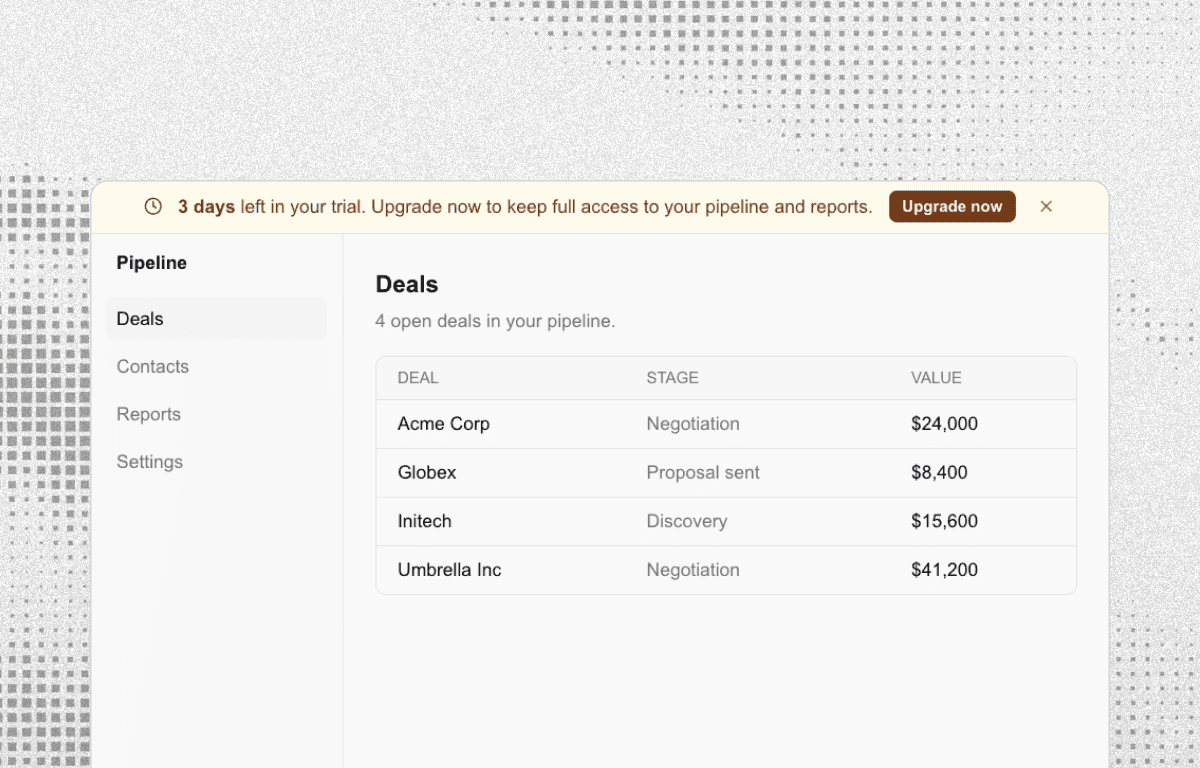
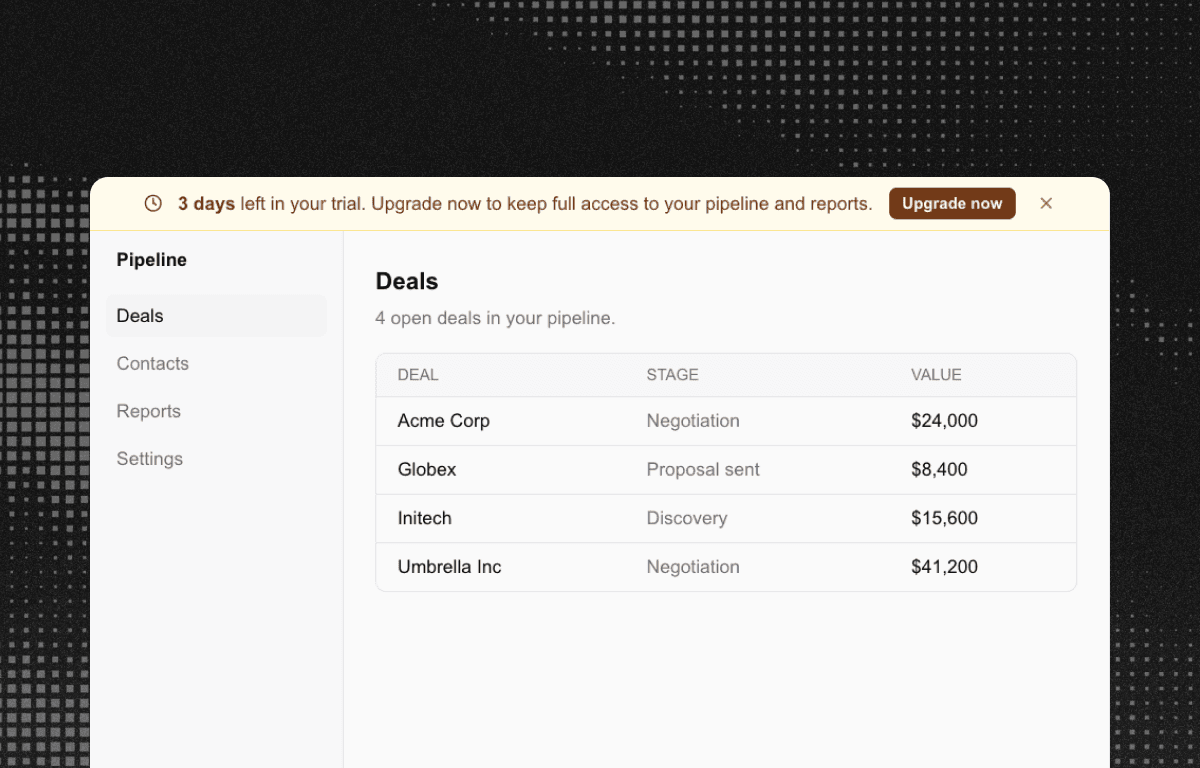
Trial countdown banner
Show a persistent trial countdown banner with an upgrade CTA, powered by a Flows workflow.
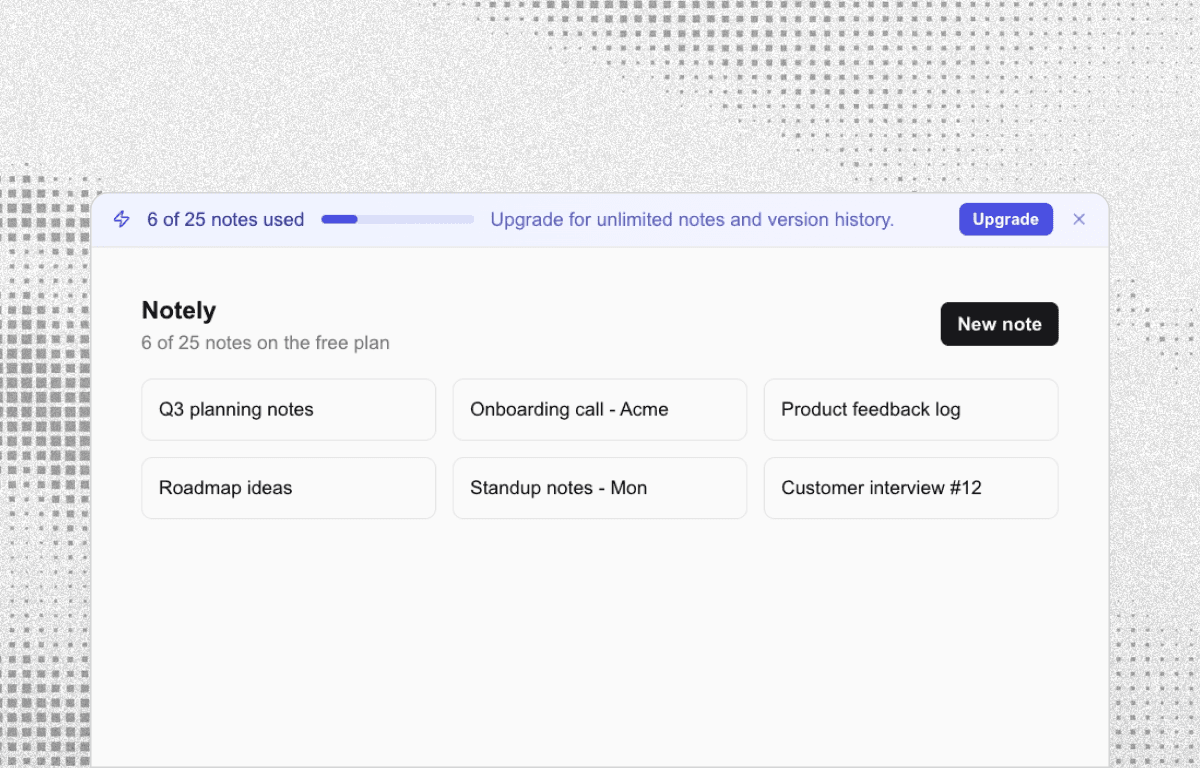
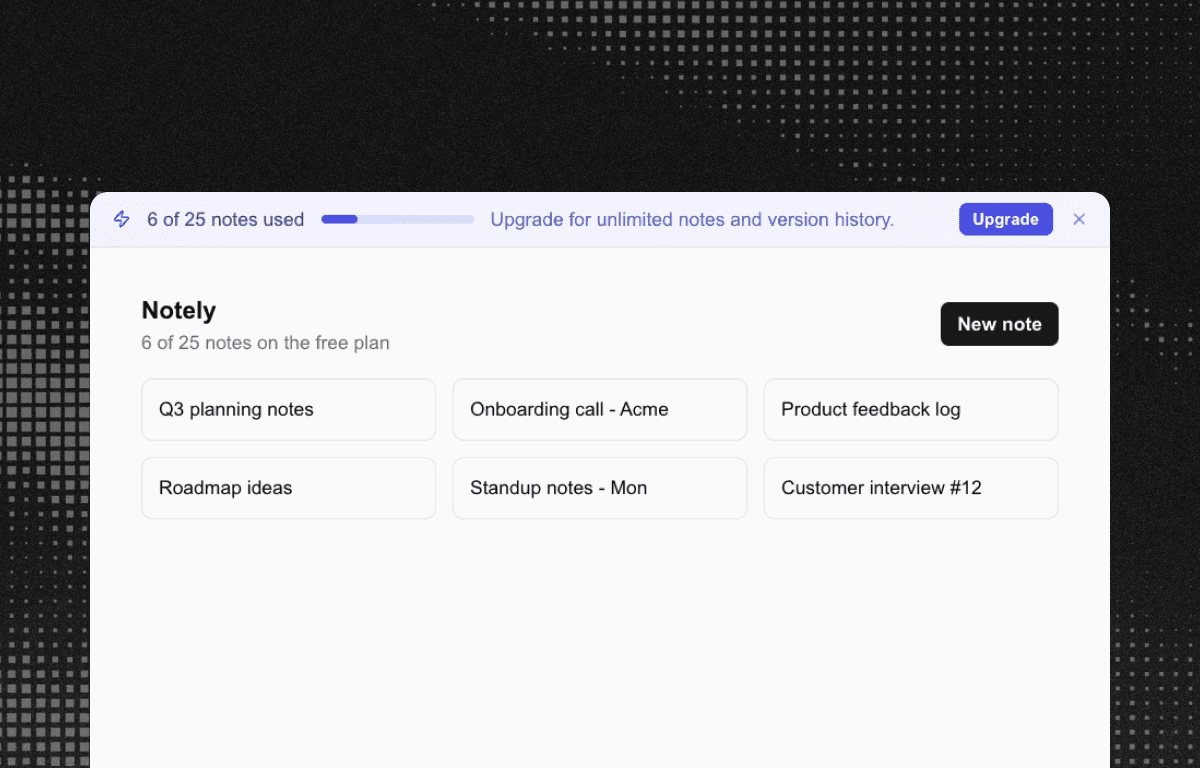
Upgrade CTA banner
Nudge free-plan users to upgrade with a persistent, usage-based banner powered by Flows.
Paywall modal
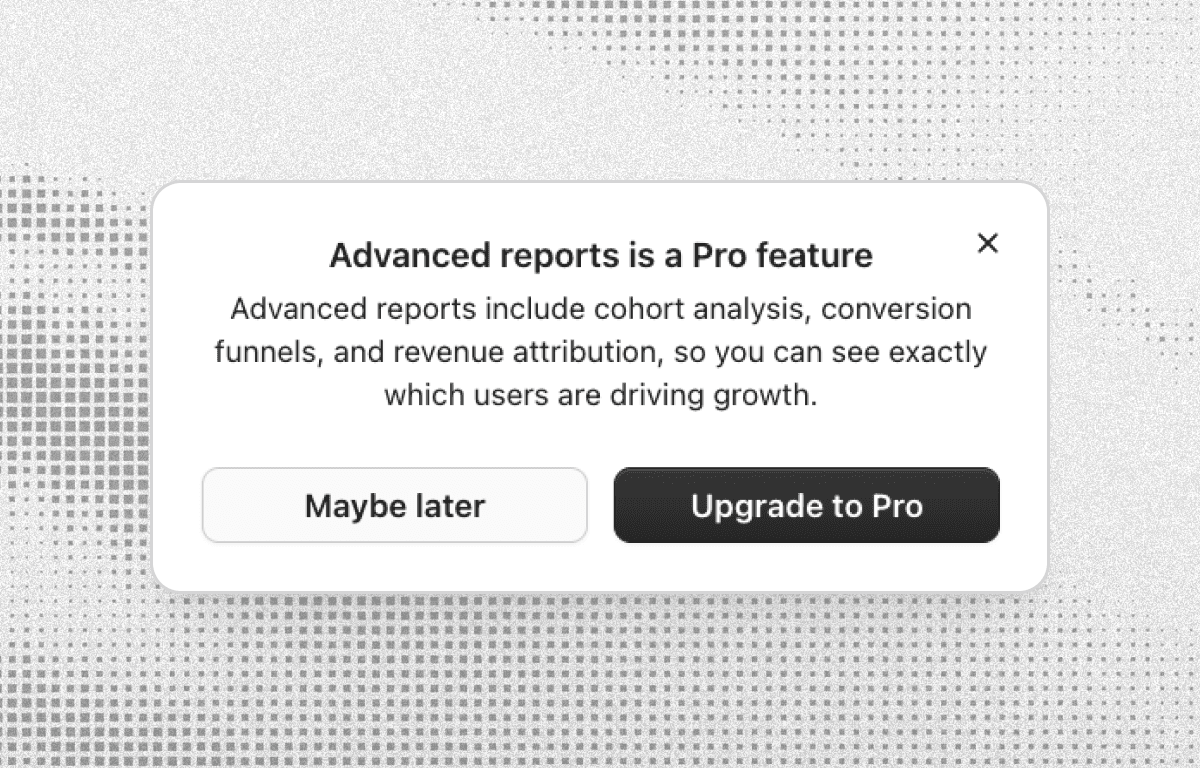
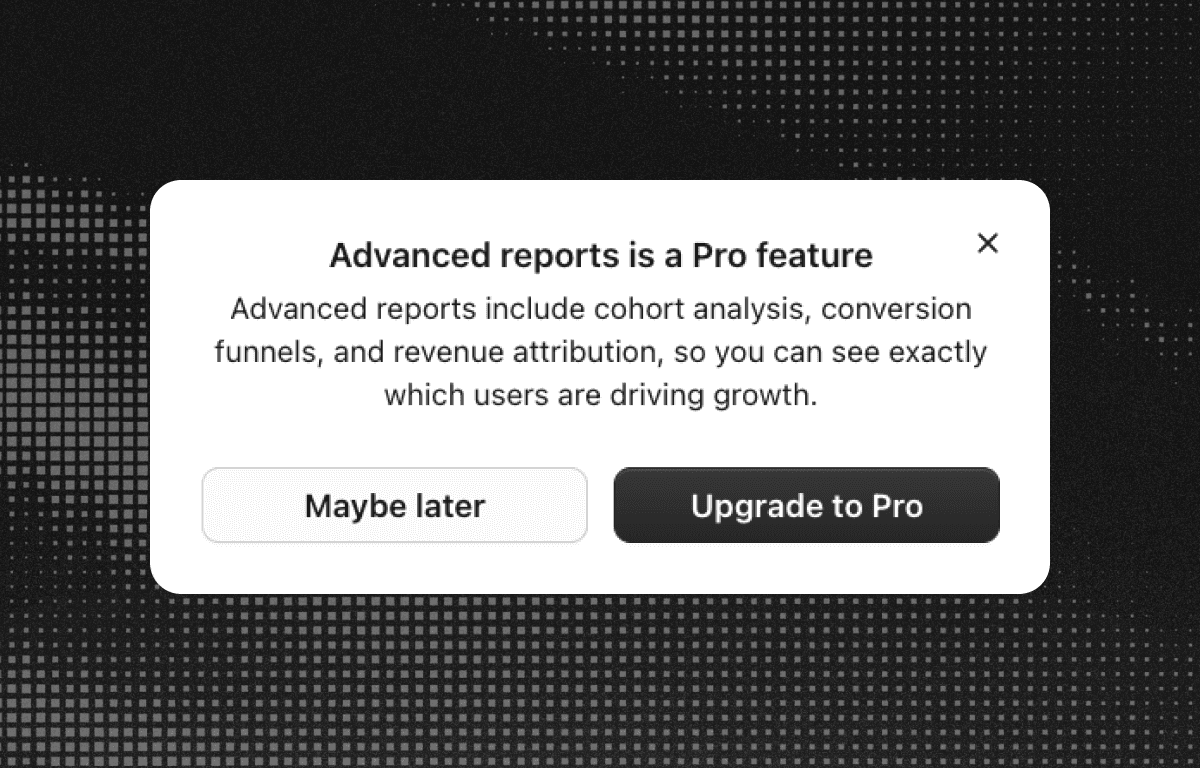
Show a paywall modal when free users click a Pro-only feature, powered by Flows.
Build anything with Flows
Build the product adoption experiences you've always wanted.