Examples library
Welcome Screen
Greet new users with a welcome screen modal on first login to boost activation.
This example shows a welcome screen: the full screen modal that greets new users the first time they open your app, built with the Modal component from @flows/react-components. A strong welcome screen sets the tone, explains the value users are about to get, and points them at their first action so they reach that first win faster.
Features
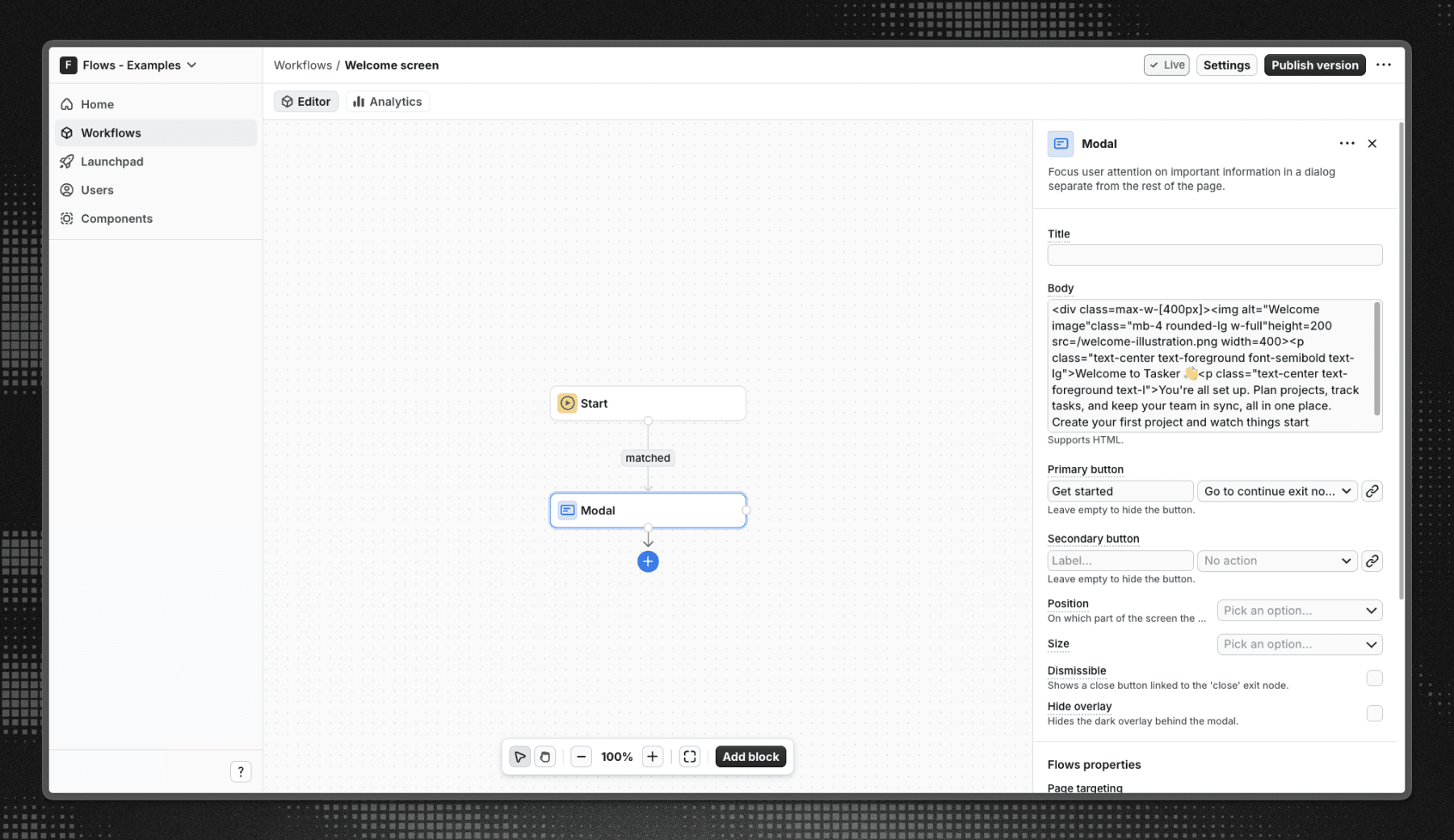
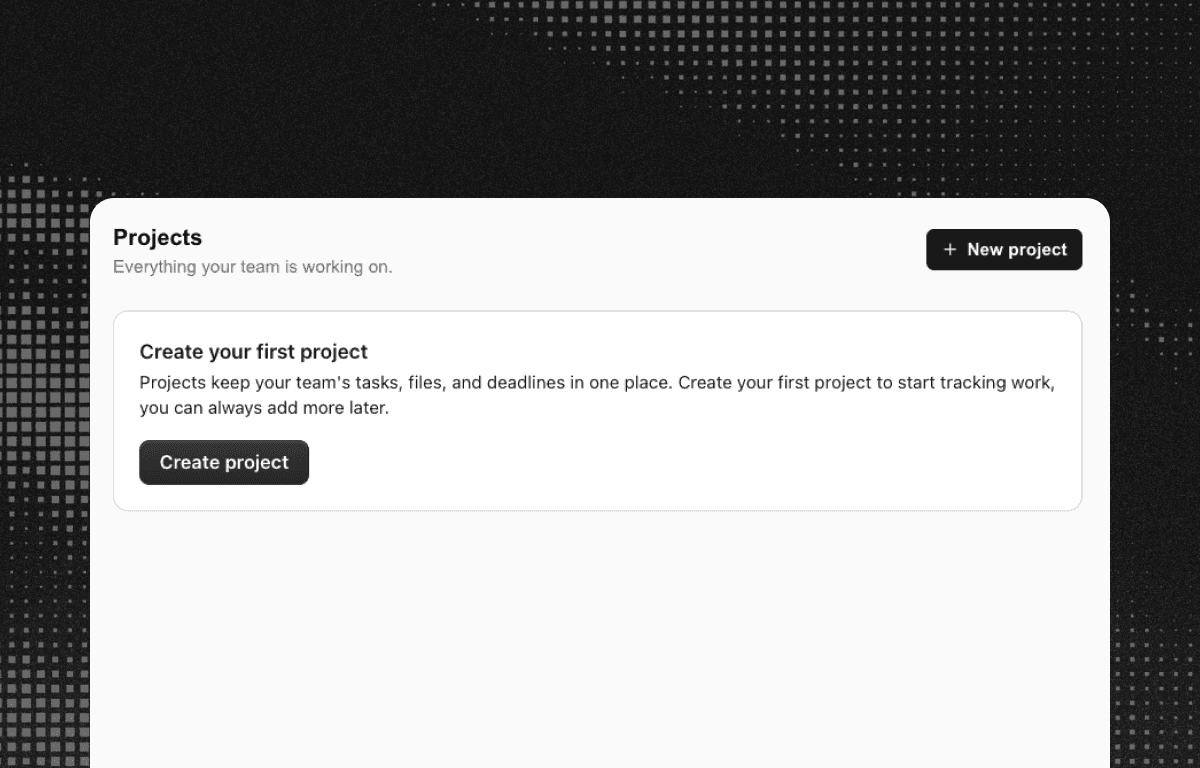
When a user opens the project management dashboard for the first time, a welcome modal appears on top of the app. It combines a friendly greeting, a short value statement, and a primary "Get started" call to action that closes the screen and drops the user into the product. Because the workflow targets first-time users only, returning users skip the welcome screen and go straight to their dashboard.
Below is a screenshot of how the workflow is set up in Flows:
Getting started
- Sign up for Flows if you haven’t already. You can create a free account here.
- Clone the repository from GitHub and install the required dependencies in the project directory.
- Add your organization ID in the providers.tsx file.
- Recreate the welcome screen workflow using the Modal block and publish it.
- Run the development server with pnpm dev.
Learn more
To learn more about Flows take a look at the following resources:
Framework
Next.js
Tags
Explore more examples
Build anything with Flows
Build the product adoption experiences you've always wanted.