All releases
February 16, 2026
Delay block
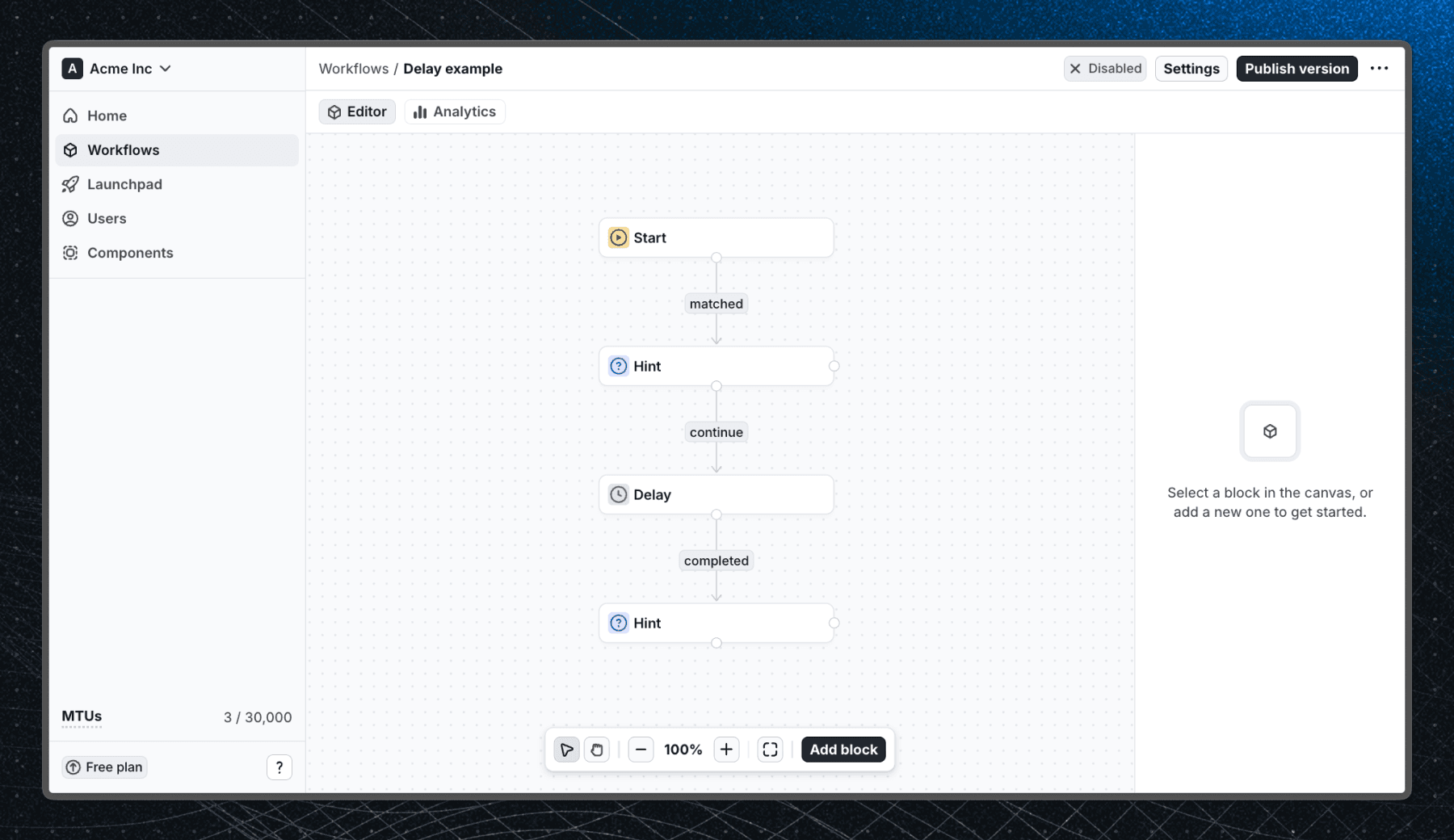
The Delay block pauses a workflow path for a set duration before continuing to the next block. Use it to space out messages over time, follow up with users after they complete onboarding, or automatically stop a workflow after a fixed period.
For example, show a product tour today then surface a follow-up tip three days later, all within a single workflow. The delay only affects the path that passes through it, so other branches in your workflow continue normally.
See the Delay block documentation to learn more.
Other improvements
- Added stable IDs to blocks in a workflow, allowing us to expand user migrations and analytics in the future.
- Reviewed and expanded multiple documentation pages.