Examples library
Customer Satisfaction (CSAT) survey
Collect Customer Satisfaction Score feedback in your React app with a non-intrusive survey popover.
This CSAT survey example shows how to collect Customer Satisfaction Score feedback in a React app using the built-in Survey Popover component from @flows/react-components. The survey triggers automatically, appears in the corner of the screen, and asks users to rate their satisfaction and optionally explain their answer, without interrupting their workflow.
CSAT surveys measure satisfaction at a specific point in time, making them ideal for capturing sentiment after key interactions like completing a task, finishing an onboarding flow, or reaching a milestone. Running them in-product captures feedback while the experience is still fresh.
Features
When a user enters the workflow, the survey popover appears in the bottom-right corner of the screen. The survey walks users through three steps:
- Satisfaction rating: a 1-5 star scale asking how satisfied the user is with the product.
- Follow-up question: an open-ended freeform text field asking what could be improved. Marked as optional so users can skip it.
- End screen: a thank-you message acknowledging the response before the popover closes automatically.
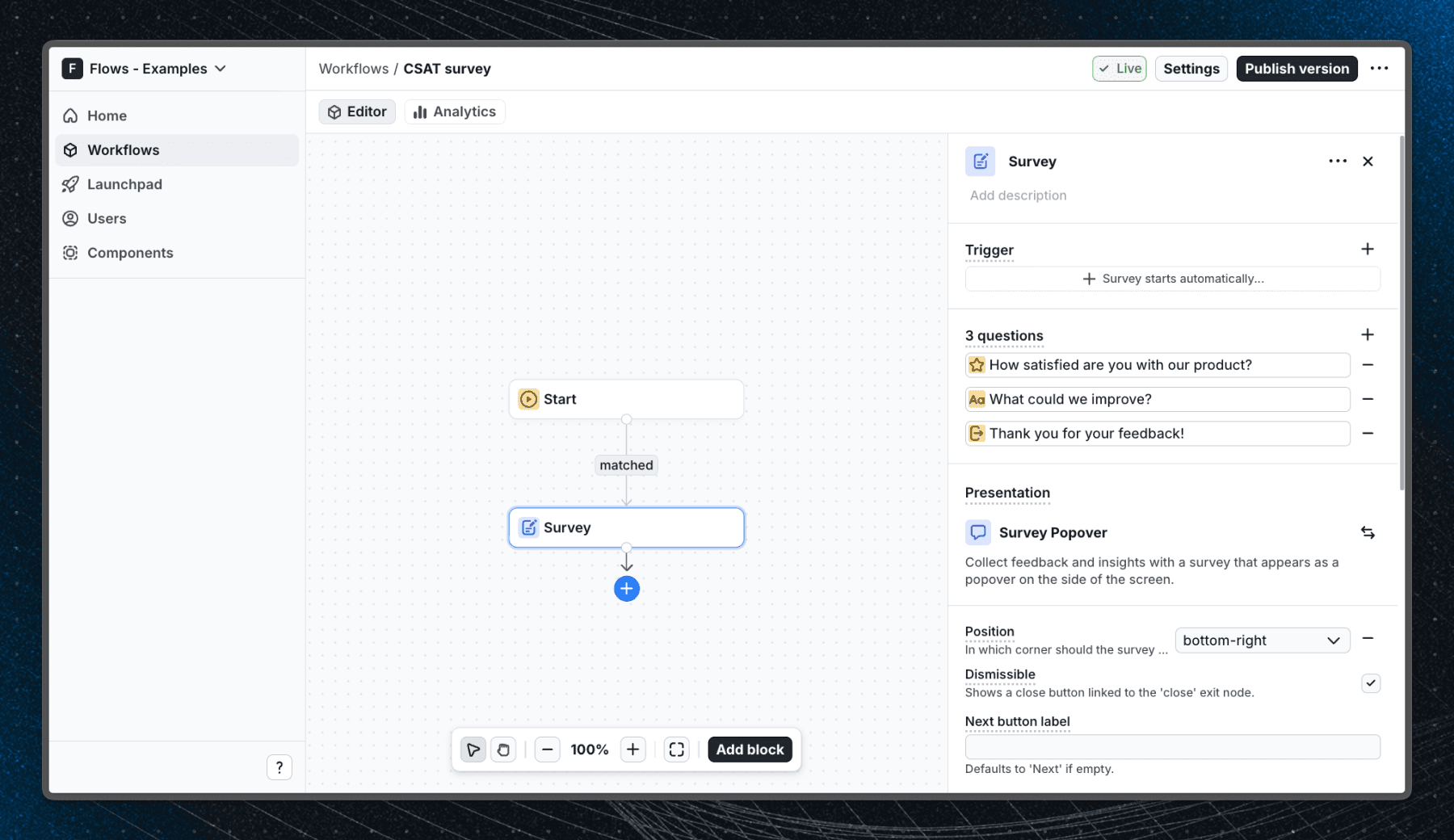
The workflow uses the Auto proceed after answer option on the rating step so the popover advances as soon as the user selects a score, reducing friction. The Auto close after submit option closes the popover once the end screen is reached.
Below is a screenshot of how the workflow is set up in Flows:
Getting started
- Sign up for Flows if you haven't already. You can create a free account here.
- Clone the repository from GitHub and install the required dependencies in the project directory.
- Add your organization ID in the providers.tsx file.
- Recreate the CSAT survey workflow using the Survey block in your organization and publish it.
- Run the development server with pnpm dev.
Learn more
To learn more about Flows take a look at the following resources:
Framework
Next.js
Tags
Explore more examples
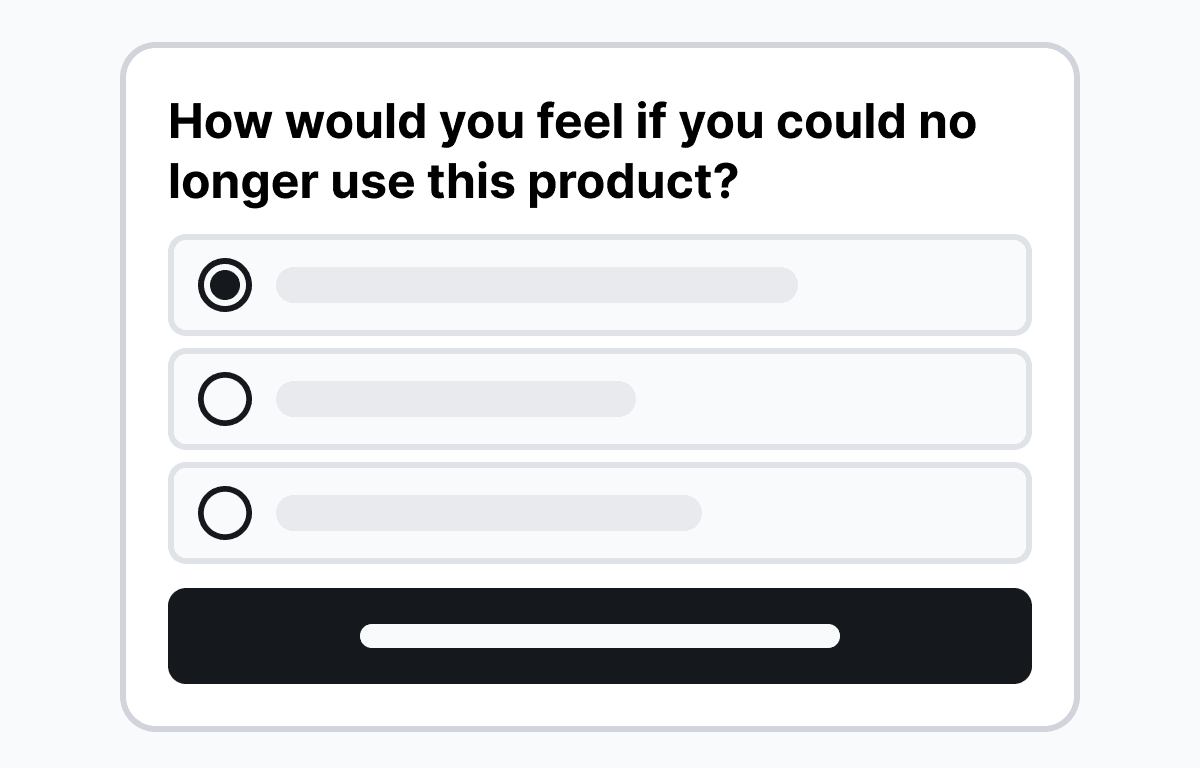
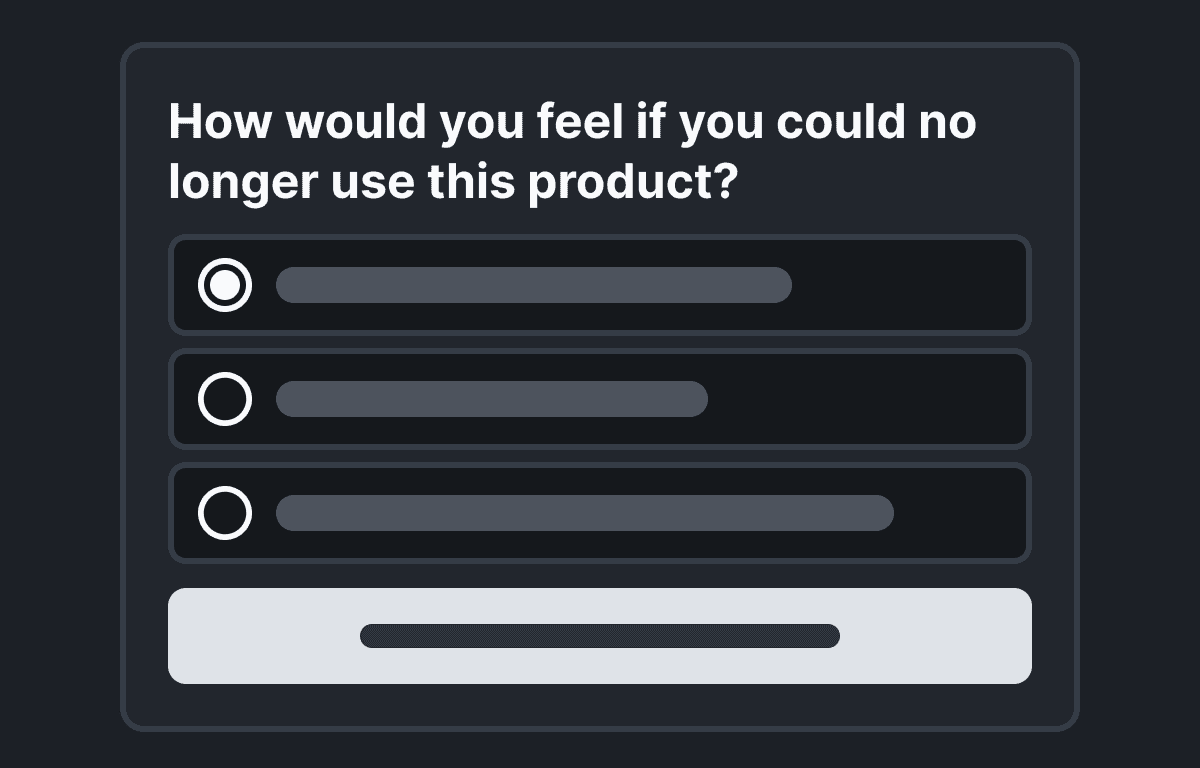
Product-Market Fit (PMF) survey
Measure product-market fit in your React app with a non-intrusive survey popover using the Sean Ellis method.
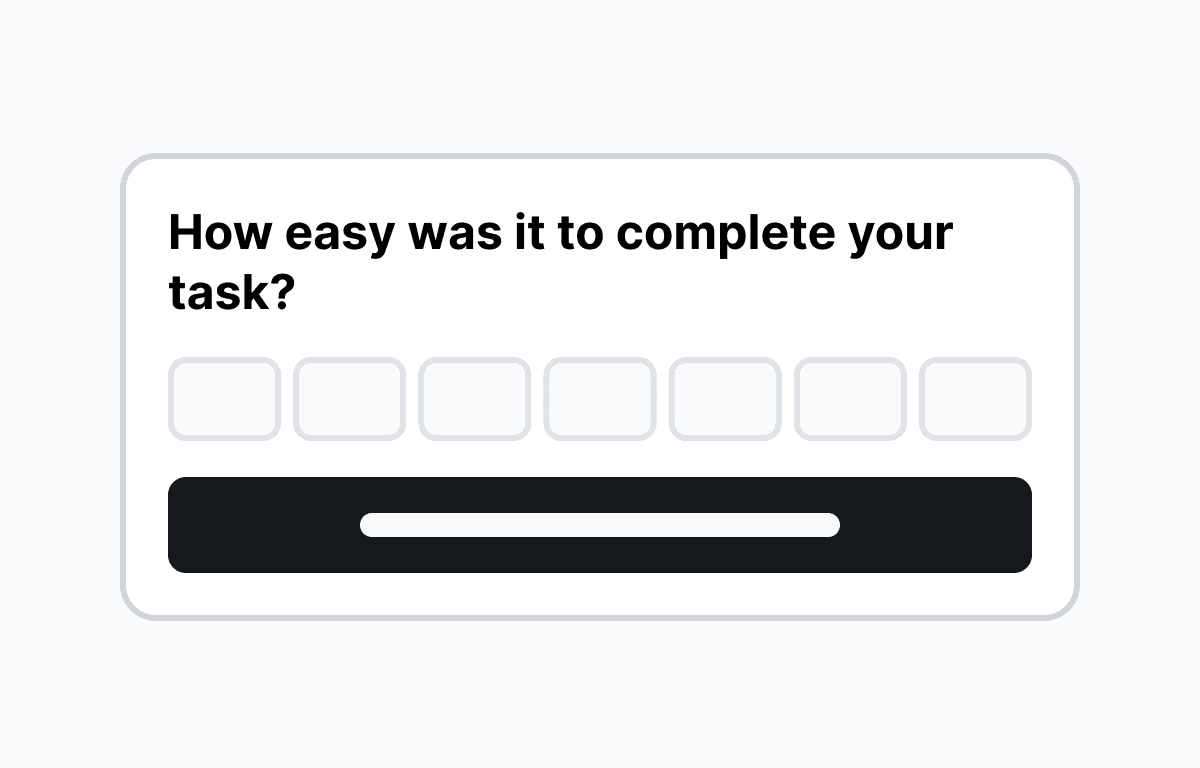
Customer Effort Score (CES) survey
Collect Customer Effort Score feedback in your React app with a non-intrusive survey popover.
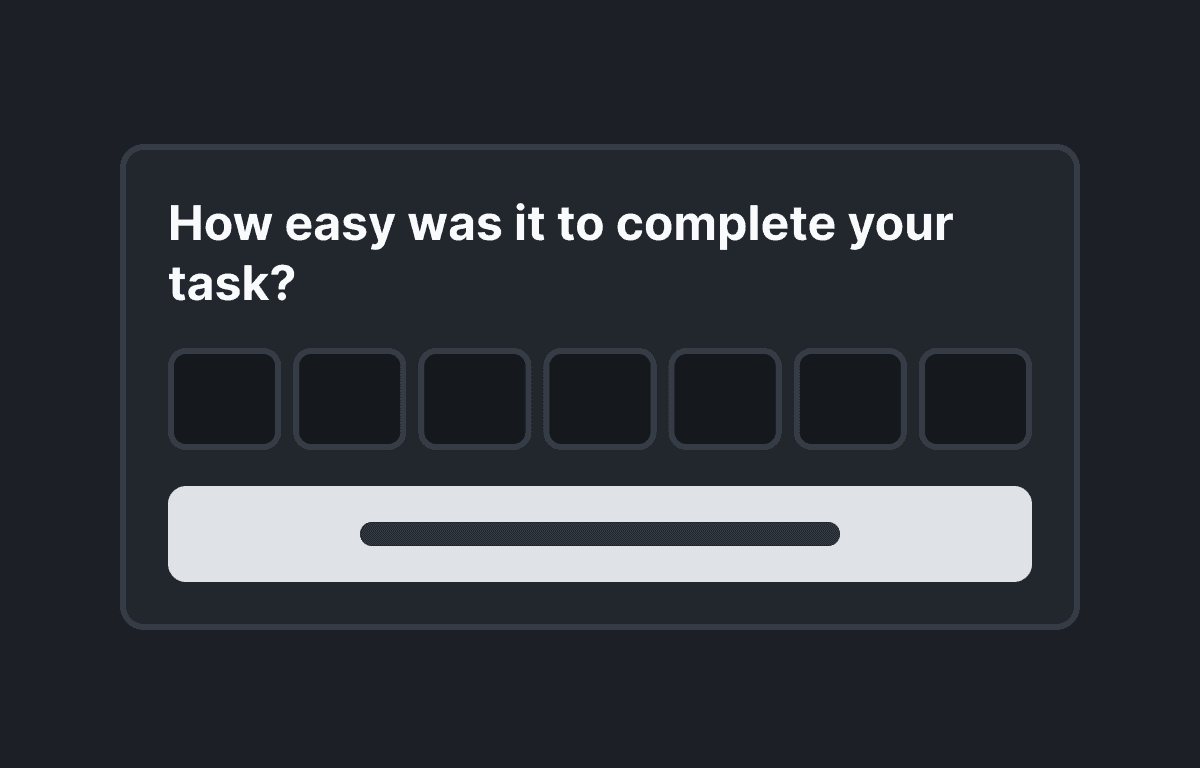
Survey Popover
Collect user feedback with a non-intrusive survey popover that floats in the corner of the screen.
Build anything with Flows
Build the product adoption experiences you've always wanted.