Examples library
Survey Popover
Collect user feedback with a non-intrusive survey popover that floats in the corner of the screen.
This example showcases a built-in Survey Popover component powered by @flows/react-components. The survey popover appears in the corner of the screen and collects structured feedback from users without interrupting their workflow.
Survey popovers are useful for:
- NPS (Net Promoter Score) to measure customer loyalty by asking users how likely they are to recommend your product.
- CSAT (Customer Satisfaction) to gauge satisfaction after a key interaction or milestone.
- Feature research to understand how users discover and adopt new features.
- Churn reason collection to learn why users are leaving before they cancel.
- Post-action feedback to capture sentiment right after a user completes an important task.
Features
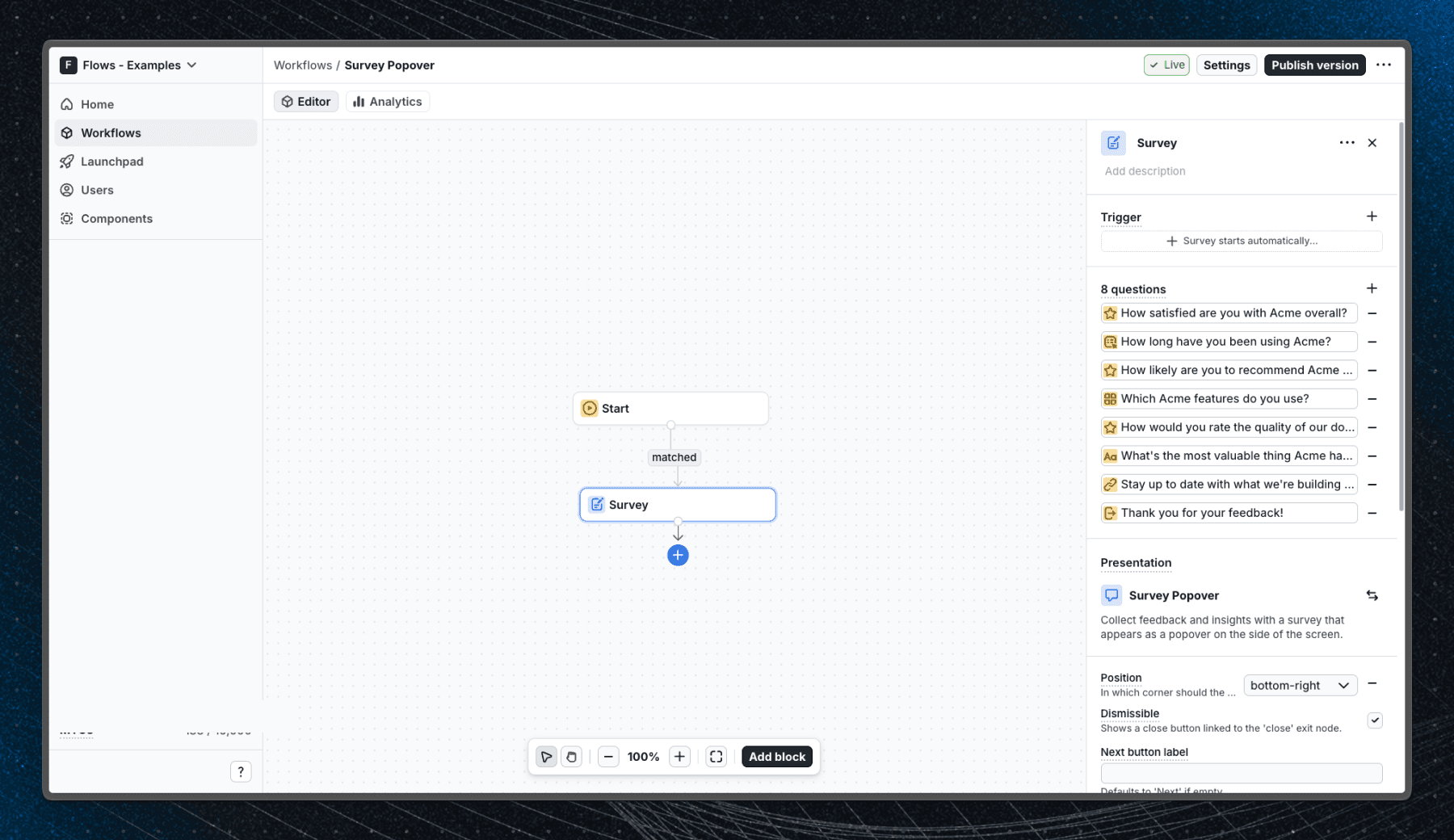
When a user enters the workflow, the survey popover appears in the bottom-right corner of the screen. Users can answer one question at a time and navigate through the survey with Next and Submit buttons.
The survey popover supports the following question types:
- Freeform: open-ended text input for qualitative answers.
- Single choice: radio buttons for selecting one option, with optional "Other" field.
- Multiple choice: checkboxes for selecting multiple options, with optional "Other" field.
- Rating: numeric, star, or emoji scale with configurable min/max values and labels.
- Link: a clickable link question to direct users to external resources.
- End screen: a closing message shown after the survey is submitted.
Additional configuration options include:
- Position: place the popover in any corner: top-left, top-right, bottom-left, or bottom-right (default).
- Dismissible: allow users to close the survey without completing it.
- Auto-close after submit: automatically dismiss the popover once the survey is submitted.
- Auto-proceed after answer: advance to the next question automatically once the user selects an answer.
Below is a screenshot of how the workflow is set up in Flows:
Getting started
- Sign up for Flows if you haven't already. You can create a free account here.
- Clone the repository from GitHub and install the required dependencies in the project directory.
- Add your organization ID in the providers.tsx file.
- Recreate the workflow using the Survey block in your organization and publish it.
- Run the development server with pnpm dev.
Learn more
To learn more about Flows take a look at the following resources:
Explore more examples
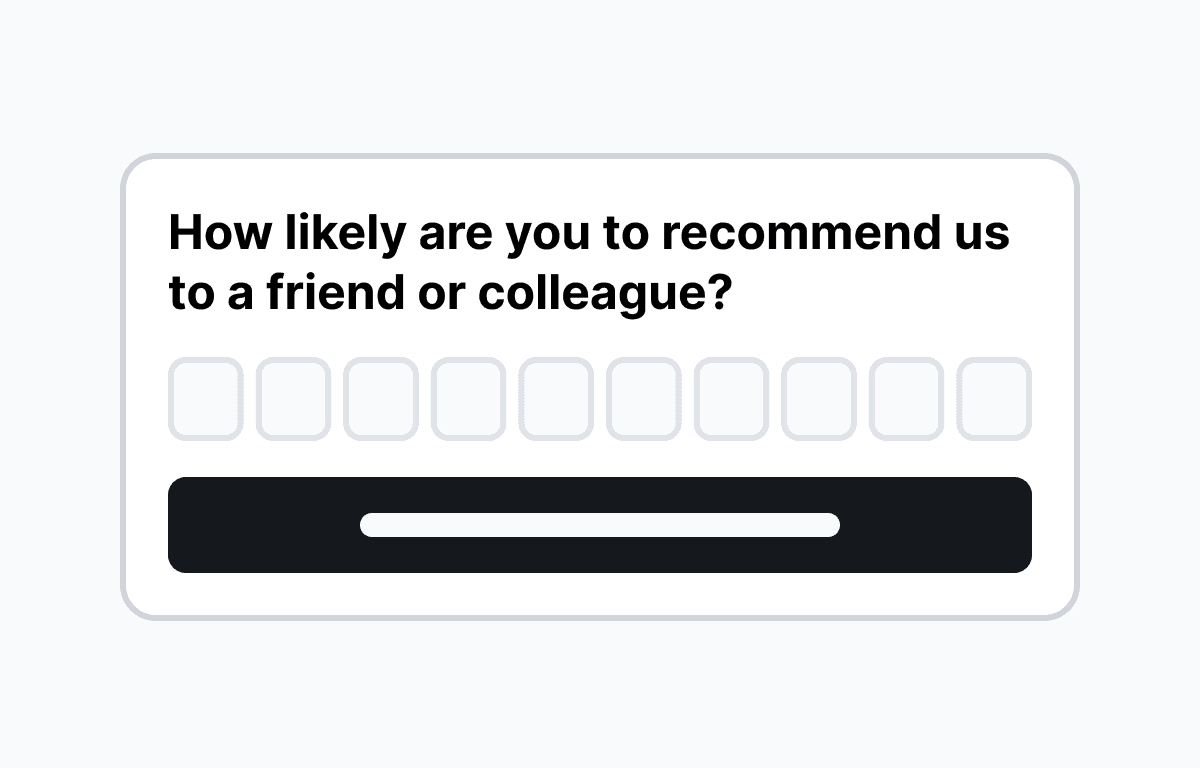
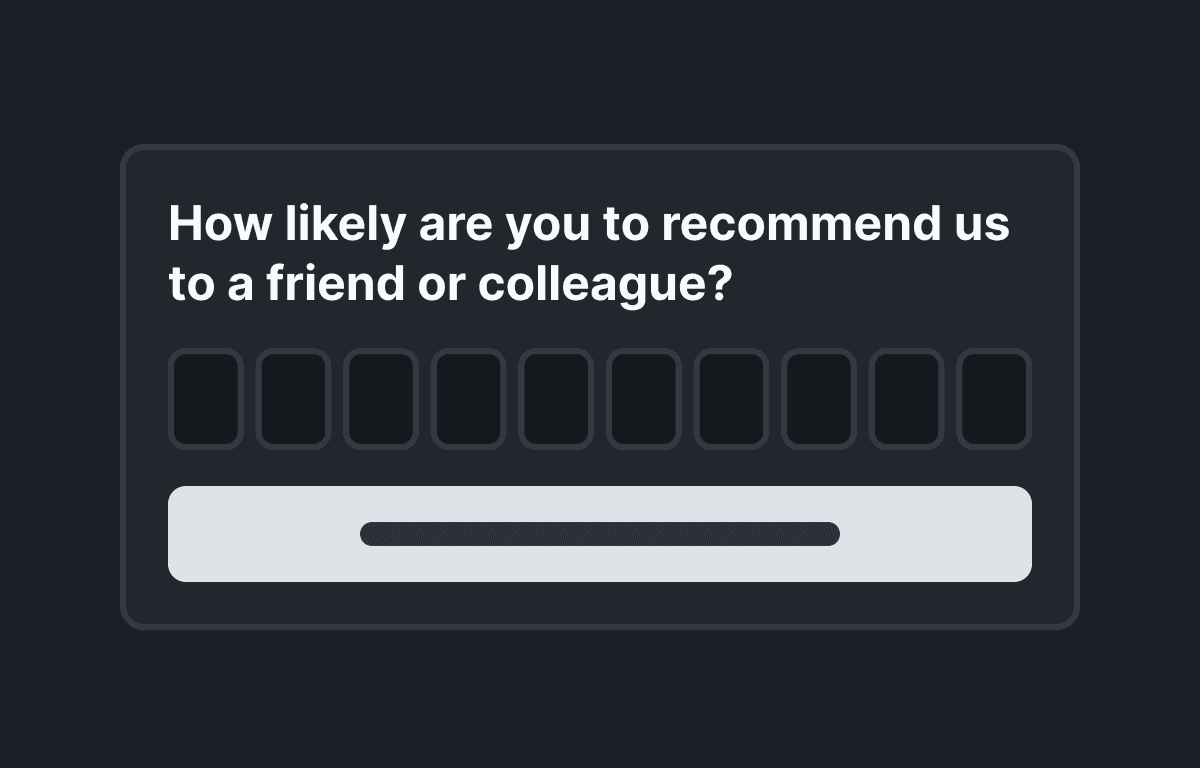
Net Promoter Score (NPS) survey
Collect Net Promoter Score feedback in your React app with a non-intrusive survey popover.
Product-Market Fit (PMF) survey
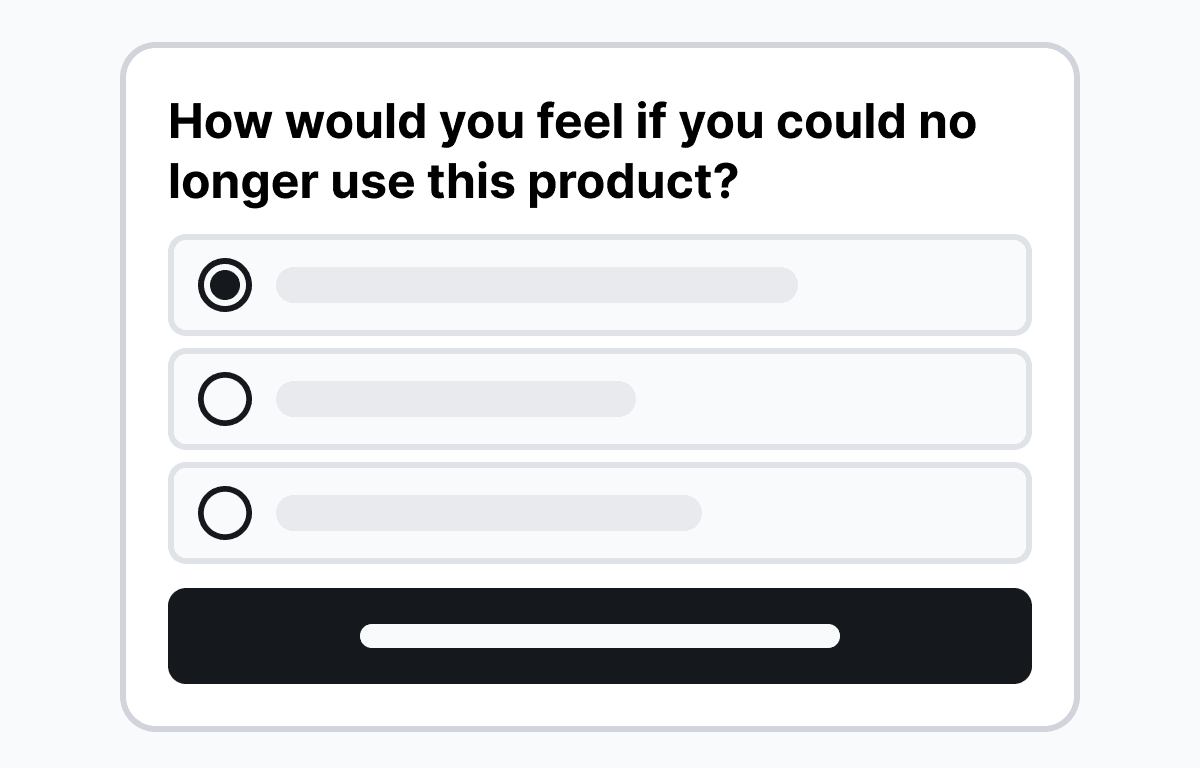
Measure product-market fit in your React app with a non-intrusive survey popover using the Sean Ellis method.
Announcement banner
Add a dismissible announcement banner at the top of your app for feature launches.
Build anything with Flows
Build the product adoption experiences you've always wanted.