All releases
April 2, 2026
Surveys
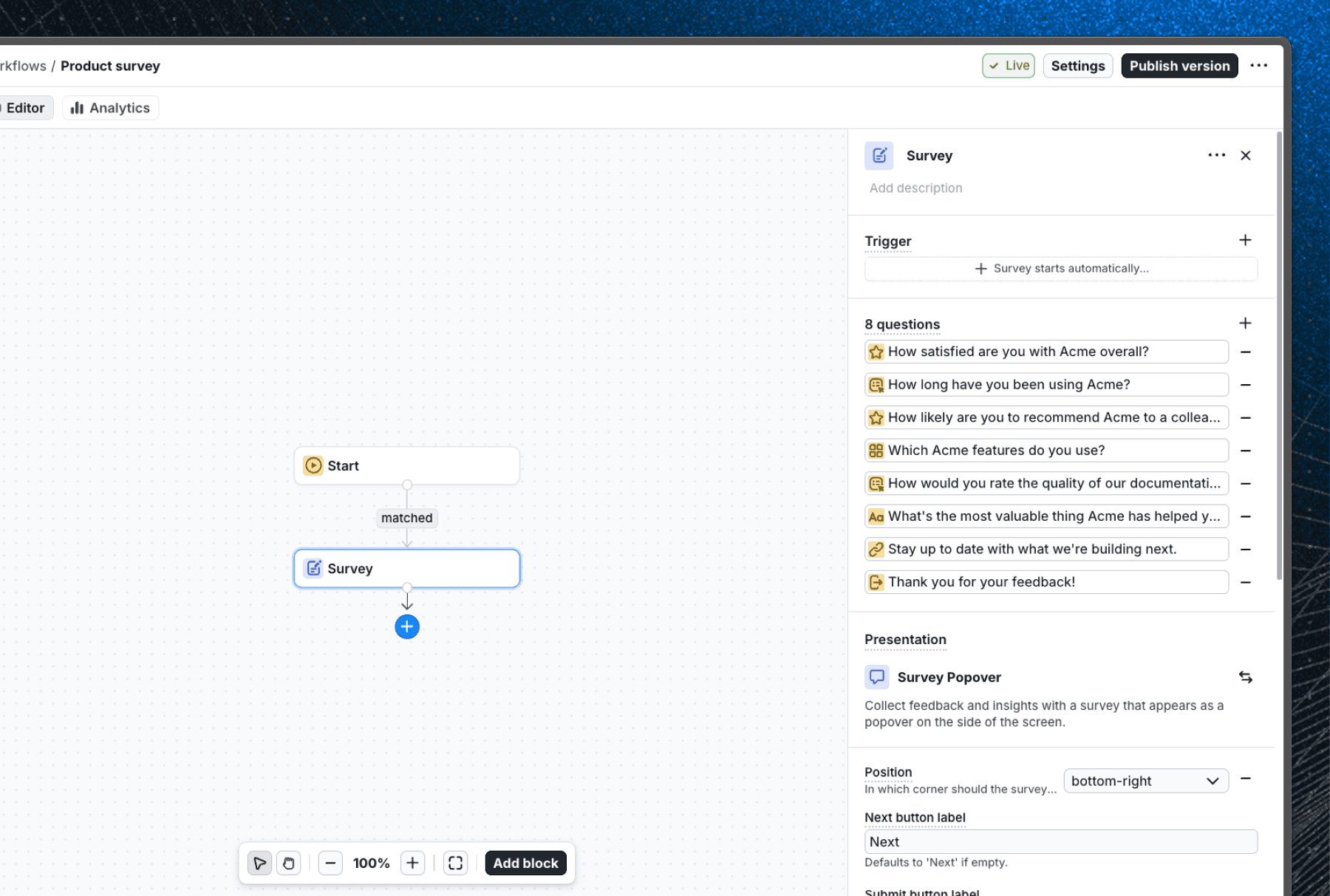
Surveys let you collect structured feedback from users at any point in a workflow. Add a survey block, build it from multiple question types, and display it using any component from your library, all without sending users to a separate form or page.
Five question types are supported:
- Freeform for open-ended text input
- Rating with numbers, stars, or emojis (including an NPS 0–10 scale)
- Single choice and Multiple choice for option lists with optional shuffle and free-text "Other" fields
- Link for call-to-action steps
You can mix and match types in a single survey, mark questions as optional, and reorder them by dragging.
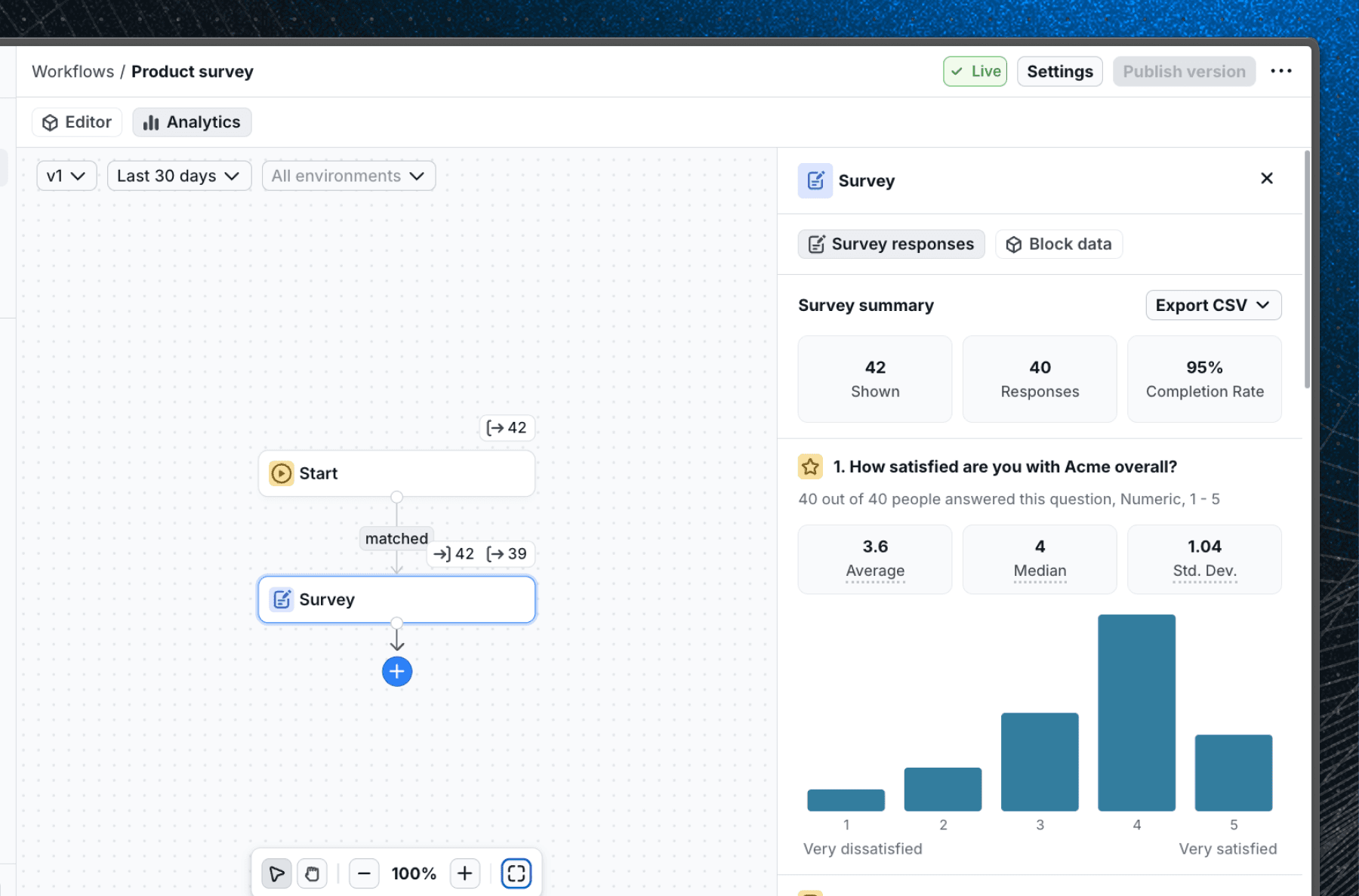
Survey results are available in the analytics tab of the survey block. You can track how many users saw the survey, how many completed it, and see per-question breakdowns. All raw responses can be exported as a CSV.
See the Surveys documentation for details on building surveys and using the analytics features.
Survey Popover
The Survey Popover is a new built-in component in the Basics V2 library. It renders surveys as a non-intrusive popover anchored to a corner of the screen, so users can respond without losing their place in the app.
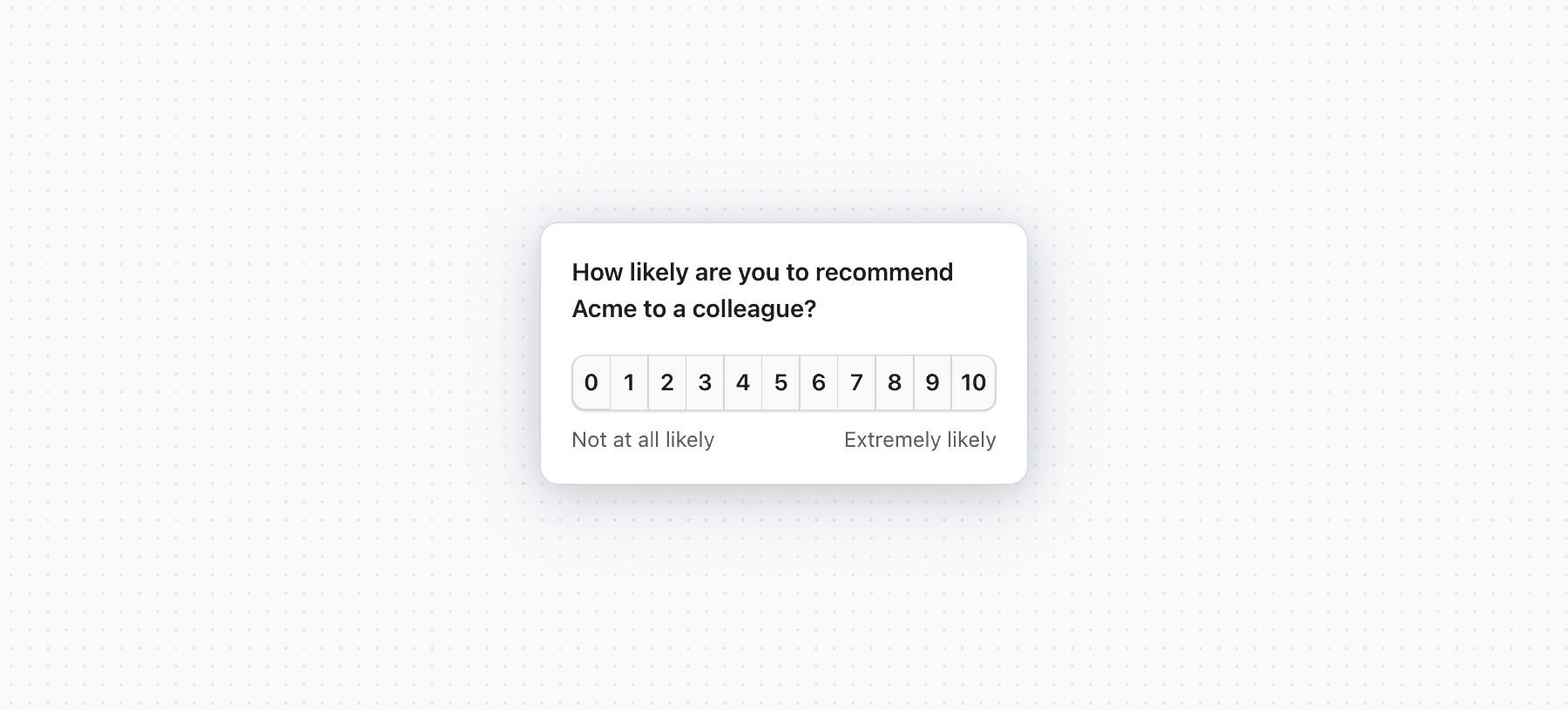
You can configure the corner position, allow users to dismiss it with a close button, and set whether it auto-advances after a rating or single choice answer, or auto-closes once the end screen is reached. It's available out of the box with no custom component required.
See the Survey Popover documentation for details on how to use it in your workflows or the live Survey Popover example to see it in action.