Block properties
Wait property
Wait for user interaction to proceed in a tour step.
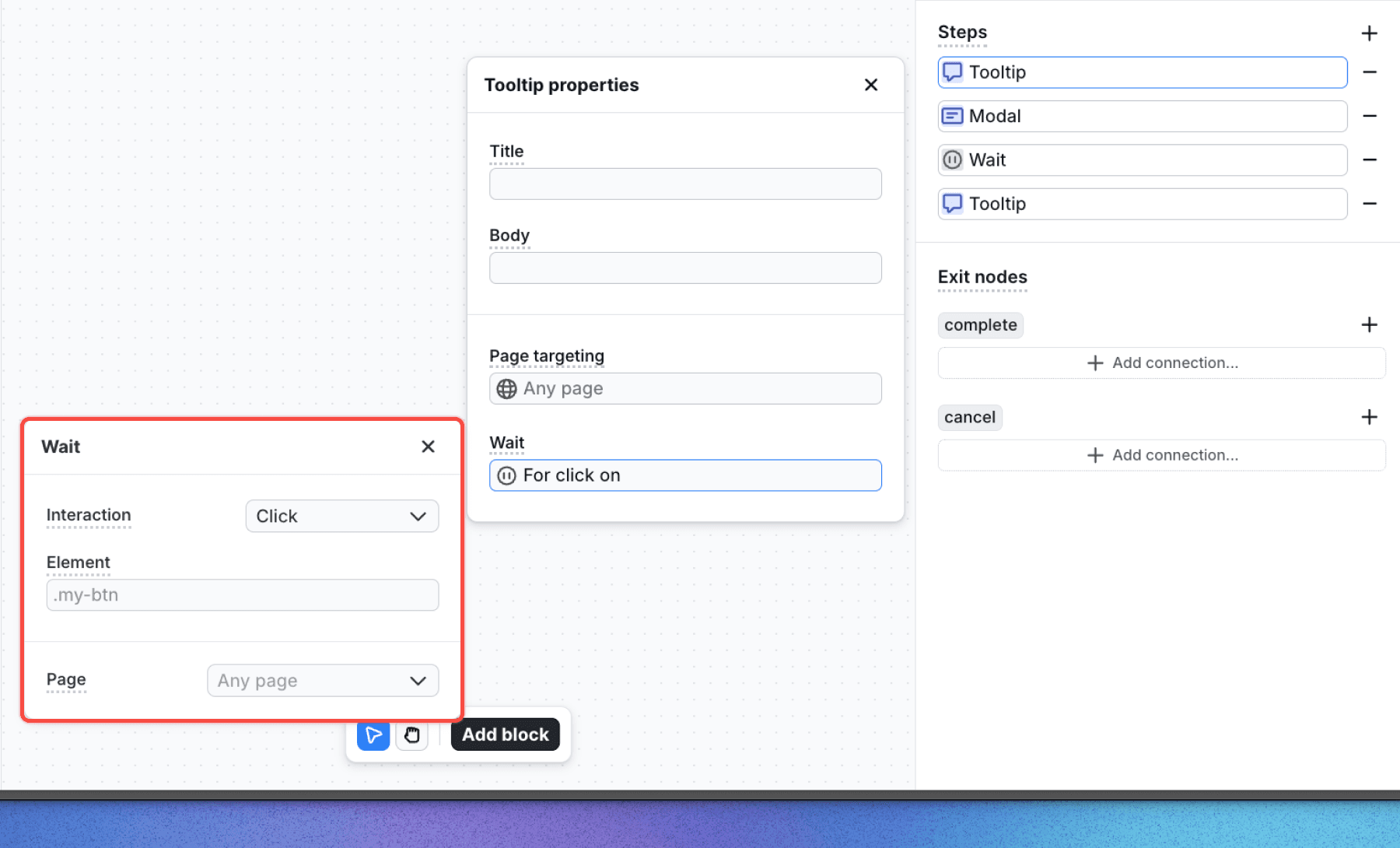
Wait properties are only available in tour steps.
Overview
The wait property is automatically added to each step in the tour block. When enabled, it pauses the tour at a specific step until the user performs a defined action, such as clicking a button or navigating to a page.
Options
- Interaction: Defines the type of interaction required to proceed. Options include:
- User navigates to a page: Proceeds when the user navigates to a specific page.
- User clicks on an element: Proceeds when the user clicks a specified element.
- Delay: Proceeds when the specified amount of time has passed.
- Element is on the page – Proceeds when a specific element is present in the DOM (use CSS selector).
- Element is not on the page – Proceeds when a specific element is not present in the DOM (use CSS selector).
- None: Disables the wait property, requiring manual progression (e.g., via a button click).
- Element: The CSS selector of the element needed to be clicked to proceed (available when User clicks on an element is selected).
- Page: Defines the target page or page for the interaction (available for both User clicks on an element and User navigates to a page). See the page targeting section for configuration details.
Last updated on