Examples library
Waitlist survey
Collect early-access waitlist signups with a qualifying question, using a Flows survey.
This waitlist survey example shows how to collect early-access signups for an unreleased feature using a Flows survey instead of a plain HTML form.
A plain waitlist form only captures an email. A short survey lets you also ask a qualifying question, so you know who to invite first when you start rolling the feature out.
Features
- Join waitlist button: clicking it calls startWorkflow("waitlist-survey.start") to enter the workflow.
- Email question: a freeform question collects the visitor's work email.
- Qualifying question: a single choice question asks how they'd use the feature, so you can segment invites later.
- Confirmation: the survey's end screen confirms the signup without leaving the page.
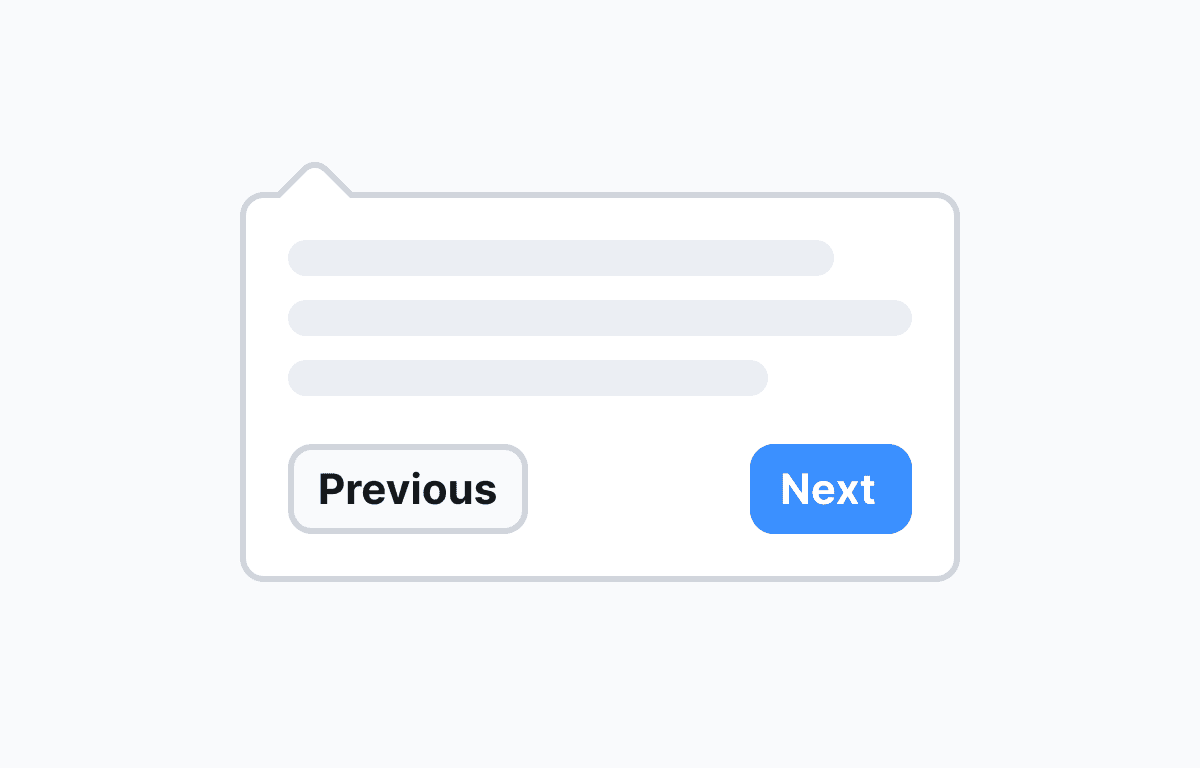
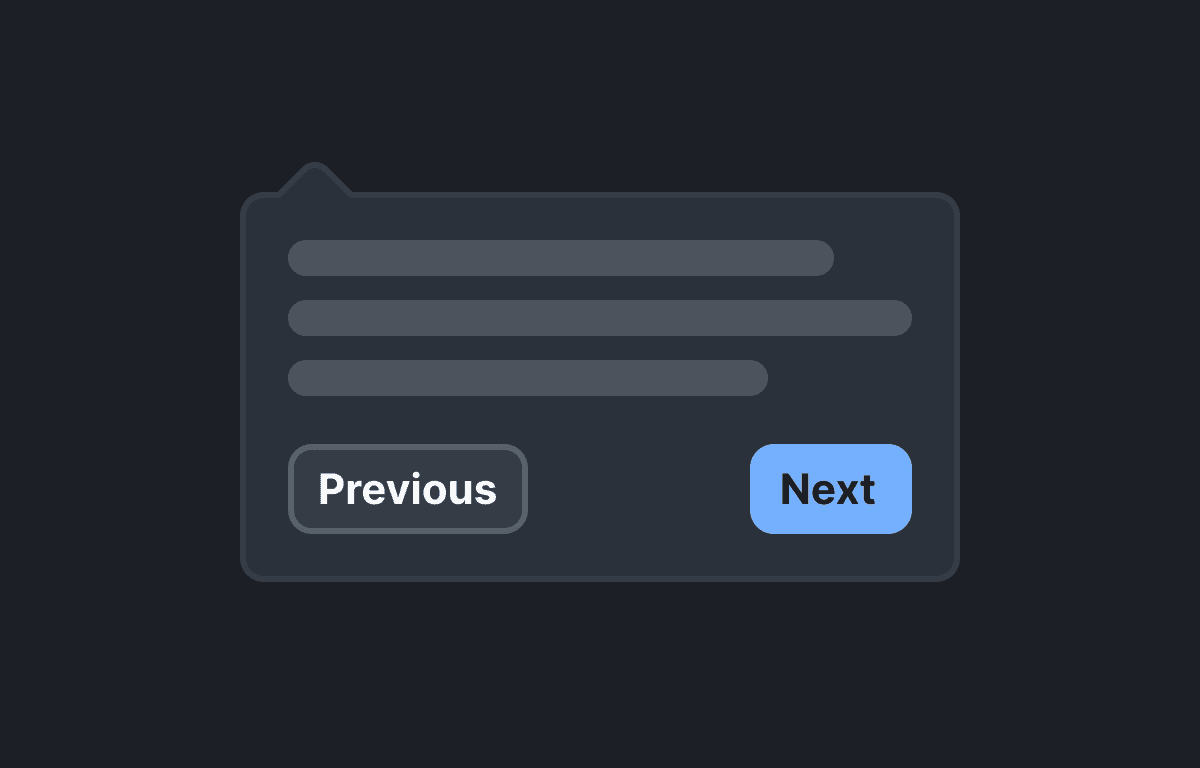
- No custom component required: the survey is presented with the built-in Survey Popover component, anchored to a corner of the screen.
Getting started
- Sign up for Flows if you haven't already. You can create a free account here.
- Clone the repository from GitHub and install the required dependencies in the project directory.
- Add your organization ID in the providers.tsx file.
- Import the workflow by clicking Use this example at the top of this page and publish it.
- Run the development server with pnpm dev.
Learn more
To learn more about Flows take a look at the following resources:
Framework
Next.js
Tags
Waitlist
Early Access
Survey
Survey Popover
Lead Capture
Feature Launch
Growth
React
Explore more examples
Build anything with Flows
Build the product adoption experiences you've always wanted.