Hint
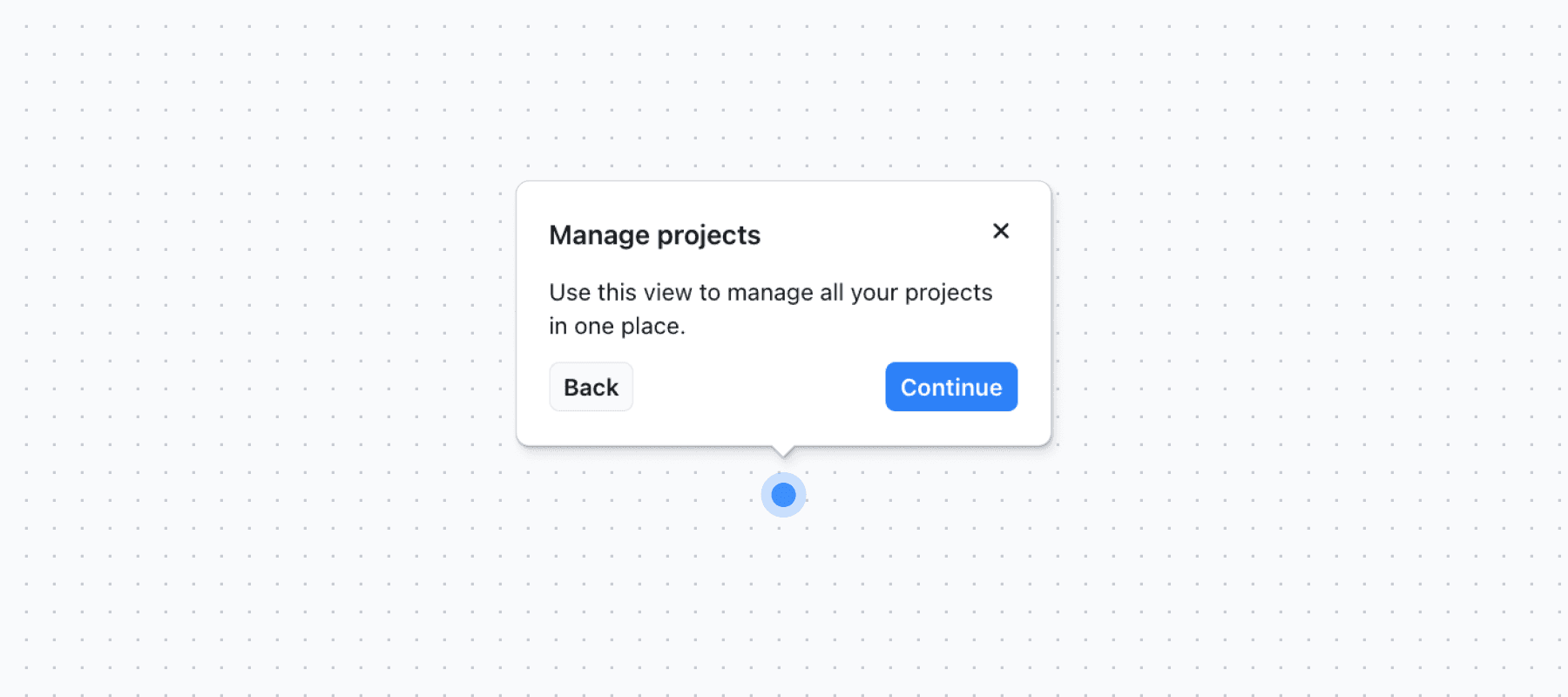
Draw attention to features with subtle, pulsating hints.
Overview
The hint component provides users with a subtle, contextual guidance without interrupting their flow. This component minimizes disruption while still drawing attention to important features or actions. You can use the hint component out of the box as a built-in component.
Basics V1 is in maintenance mode. We recommend migrating over to Basics V2, as it includes improved components, features, and is actively maintained.
Installation
To integrate the hint component into your application, follow the steps described in the library installation guide.
Workflow properties
When using the hint component in a workflow, you can define the following properties:
| Name | Type | Notes |
|---|---|---|
| Title | string | The title of the hint. |
| Body | string | The body of the hint. Supports HTML. |
| Continue text | string | The text of the continue button. When empty the button is not rendered. |
| Show close button | boolean | Show a close button in the top right corner. Default is false. |
| Hotspot target element | string | The CSS selector of the element the hint hotspot should appear on. |
| Hotspot placement | select | On which side of the target element the hint hotspot should appear. |
| Hotspot X offset | number | X offset of the hint hotspot from the target element. |
| Hotspot Y offset | number | Y offset of the hint hotspot from the target element. |
| Page targeting | --- | What page the hint should be shown on. Learn more |
Exit nodes:
- Continue: The user clicks the continue button.
- Close: The user closes the hint.
Tour properties
When using the hint component in a tour, you can define additional properties to control the tour flow.
| Name | Type | Notes |
|---|---|---|
| Title | string | The title of the hint. |
| Body | string | The body of the hint. Supports HTML. |
| Continue text | string | The text of the continue button. When empty the button is not rendered. |
| Previous text | string | The text of the previous button. When empty the button is not rendered. |
| Show close button | boolean | Show a close button in the top right corner. Default is false. |
| Hotspot target element | string | The CSS selector of the element the hint hotspot should appear on. |
| Hotspot placement | select | On which side of the target element the hint hotspot should appear. |
| Hotspot X offset | number | X offset of the hint hotspot from the target element. |
| Hotspot Y offset | number | Y offset of the hint hotspot from the target element. |
| Page targeting | --- | What page the hint should be shown on. Learn more |
| Wait | --- | Used to define what interaction should trigger the next step. Learn more |
Exit nodes:
- Continue: When the user clicks the continue button the tour moves to the next step.
- Previous: When the user clicks the previous button the tour moves to the previous step.
- Cancel: When the user closes the hint the tour is canceled.
Last updated on