In app surveys: a practical guide
What in app surveys are, when to use each type, how to time them, and how to build one that people actually finish. A complete guide for product teams.
Ondrej Pesicka • August 27, 2026
Most teams collect feedback in the worst possible place: outside the product. An email goes out two weeks after the thing happened, a link points to a form on another domain, and the handful of people who reply are the ones with the strongest feelings. You end up with a small, angry, unrepresentative sample and a number nobody trusts.
Surveys that run inside your product fix most of that. The user is already in context, the question takes seconds, and you can ask at the exact moment the answer means something.
This guide covers what these surveys are, which type to use when, how to time them, how to write them, and what it takes to build one properly.
What is an in app survey?
An in app survey is a short set of questions rendered inside your application, usually as a popover, modal, or inline block, aimed at a specific group of users at a specific moment.
The defining characteristics are:
- It runs where the user already is. No redirect, no new tab, no separate domain.
- It is short. One to three questions is typical. Long questionnaires belong in scheduled research, not in the middle of someone's workday.
- It is targeted. Not every user sees it, and not at a random time.
- It is contextual. The product knows who the user is and what they just did, so the question can reflect that.
That last point is the one that makes the difference, and it is the one most tools get wrong.
Why response rates are so much higher
Email surveys typically see single digit response rates. Surveys inside the product routinely do several times better, for reasons that are mostly mechanical rather than clever:
- No context switch. The user does not have to leave what they are doing, open another app, and come back.
- Relevance is obvious. A question about the feature someone just used does not need explaining.
- The cost is visibly low. A single rating scale reads as five seconds of work. A form link reads as an unknown amount of work.
- Memory is fresh. Asking about onboarding right after it happened produces a more accurate answer than asking three weeks later.
The trade off is that you are interrupting someone inside a product they are paying to use. That buys you a small amount of attention and no patience at all, which is why targeting and timing matter more than question wording.
Which survey type to use
There are four standard types worth knowing, and they can be used to answer different questions a team might have.
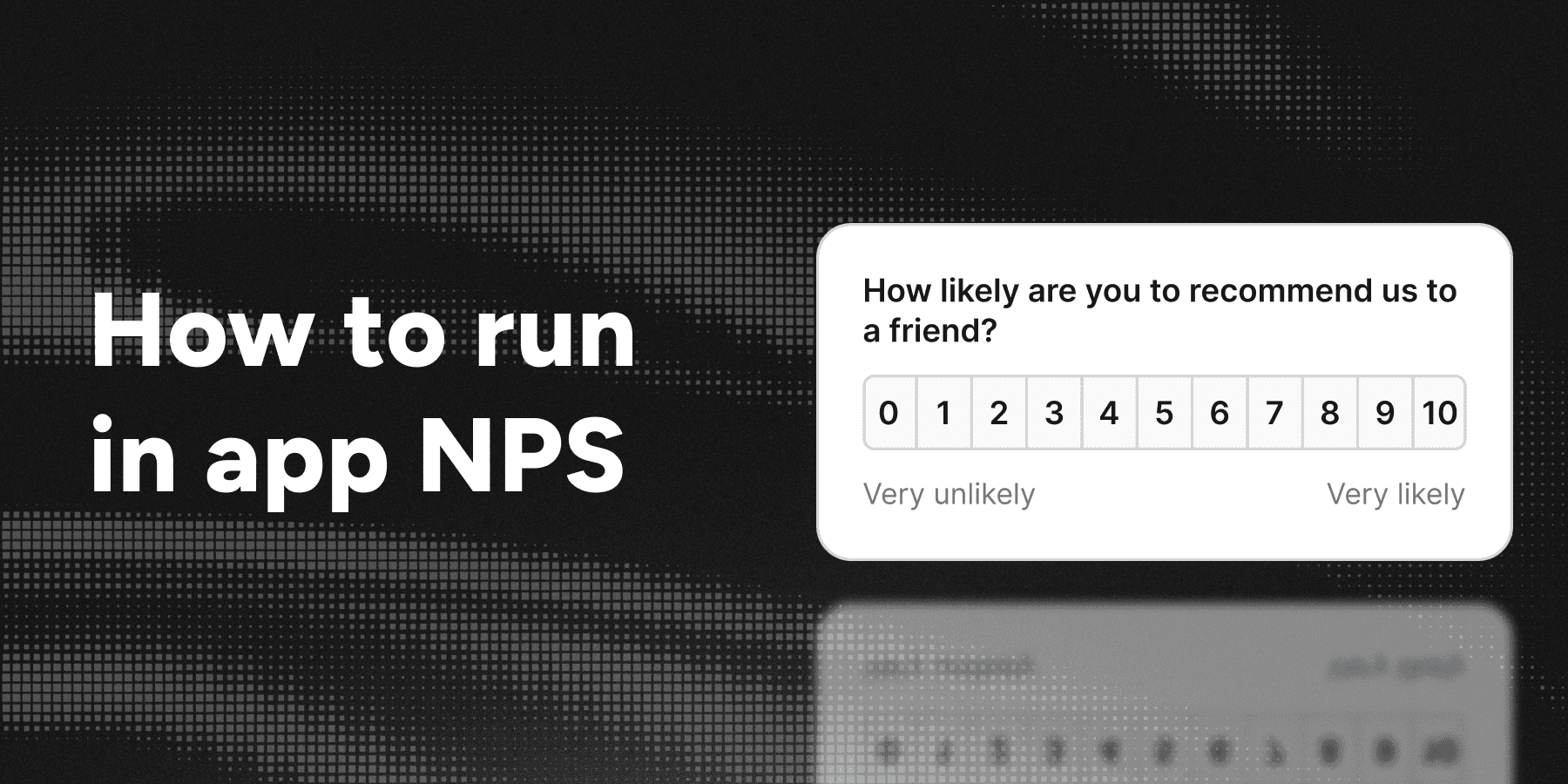
NPS (Net Promoter Score)
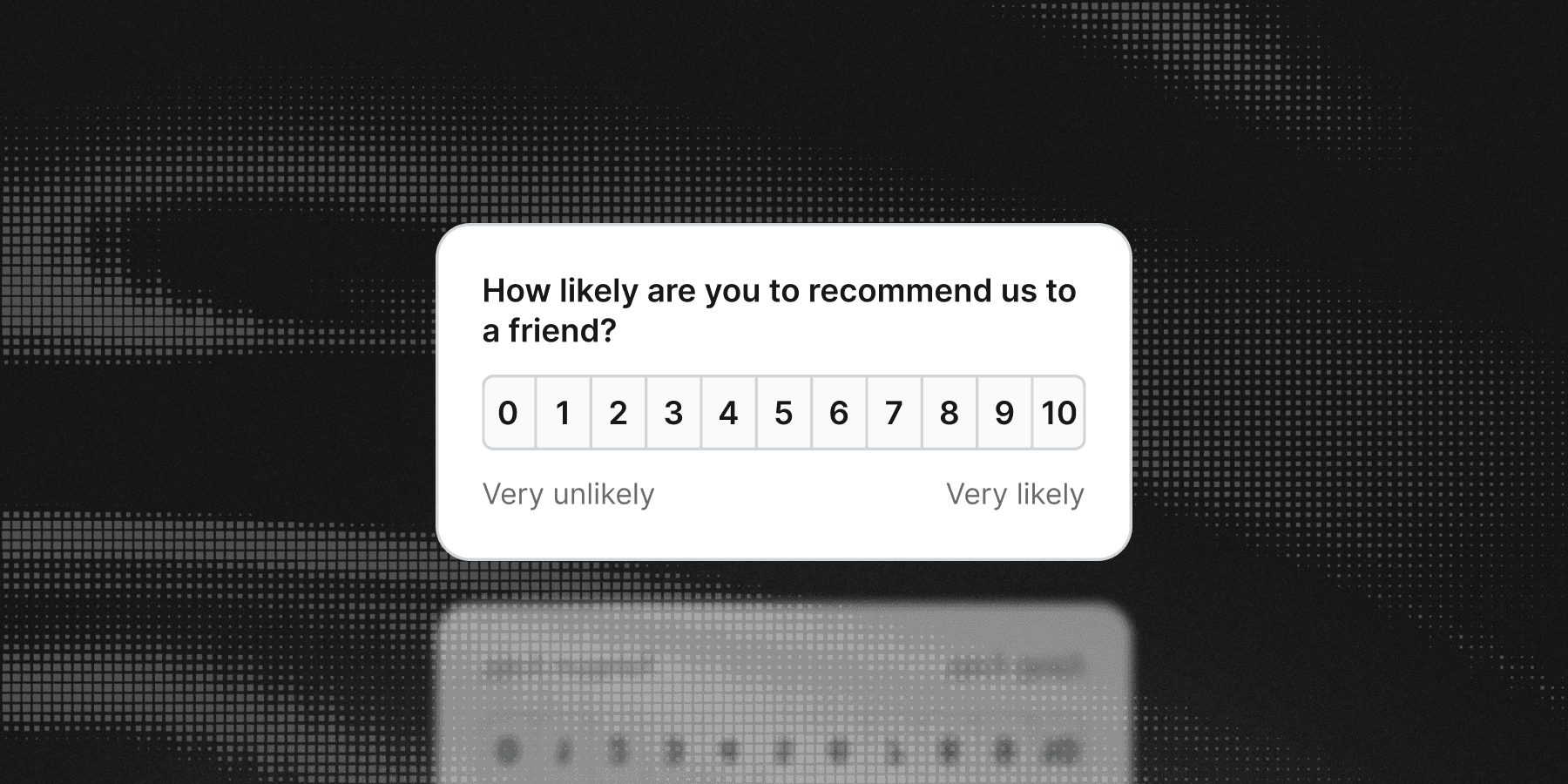
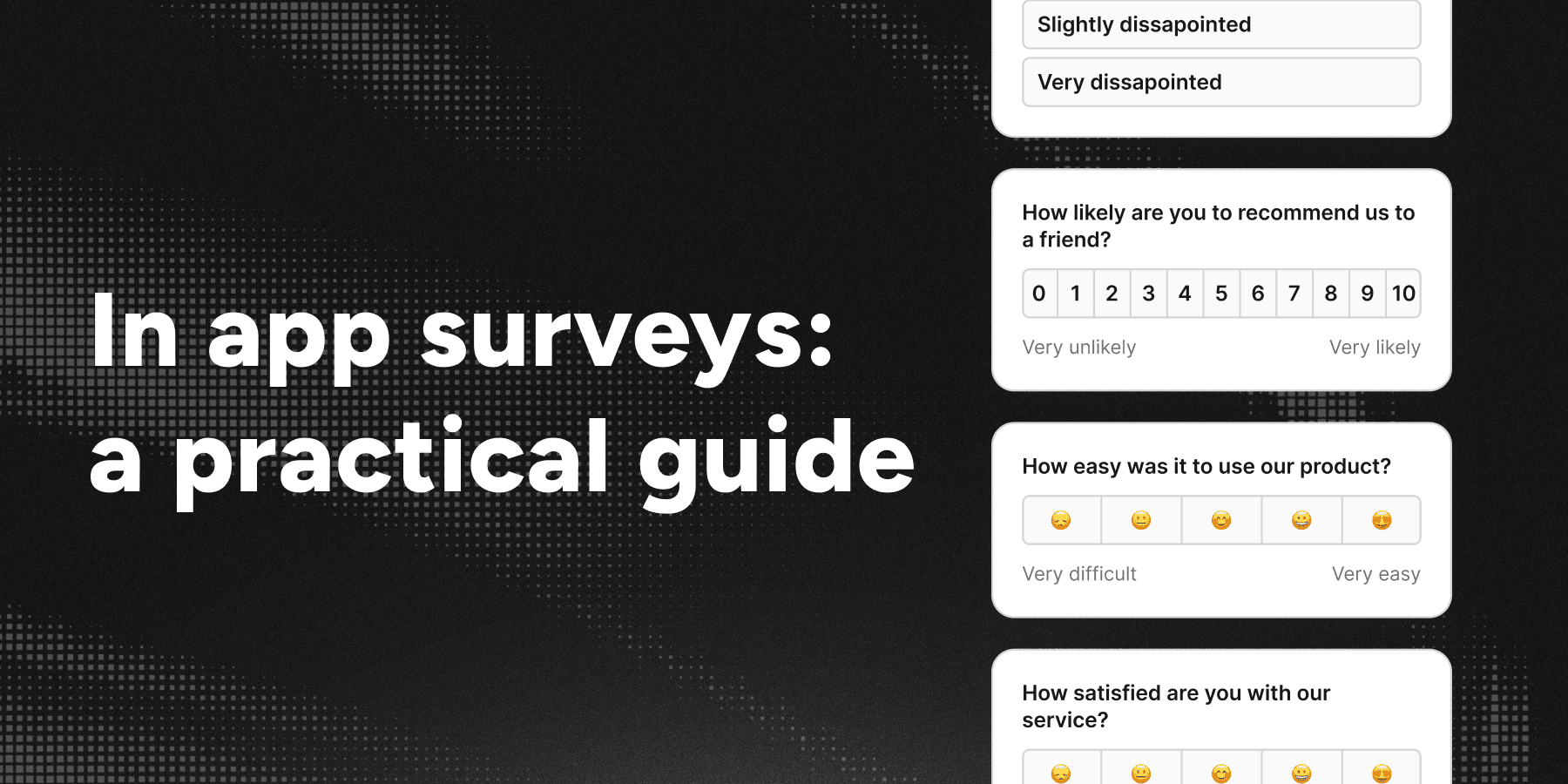
Question: How likely are you to recommend us, on a scale from 0 to 10?
What it measures: overall sentiment and advocacy, tracked over time.
When to use it: as a slow moving relationship metric, sampled continuously across your user base. Not for evaluating a specific feature or interaction.
NPS gets criticized a lot, and much of the criticism is fair. It is a blunt instrument, the 0 to 10 scale is culturally inconsistent, and the promoter minus detractor arithmetic throws away information. It survives because it is comparable across companies and because the free text follow up question is genuinely useful. Treat the number as a trend line and the comments as the actual data.
CSAT (Customer Satisfaction)
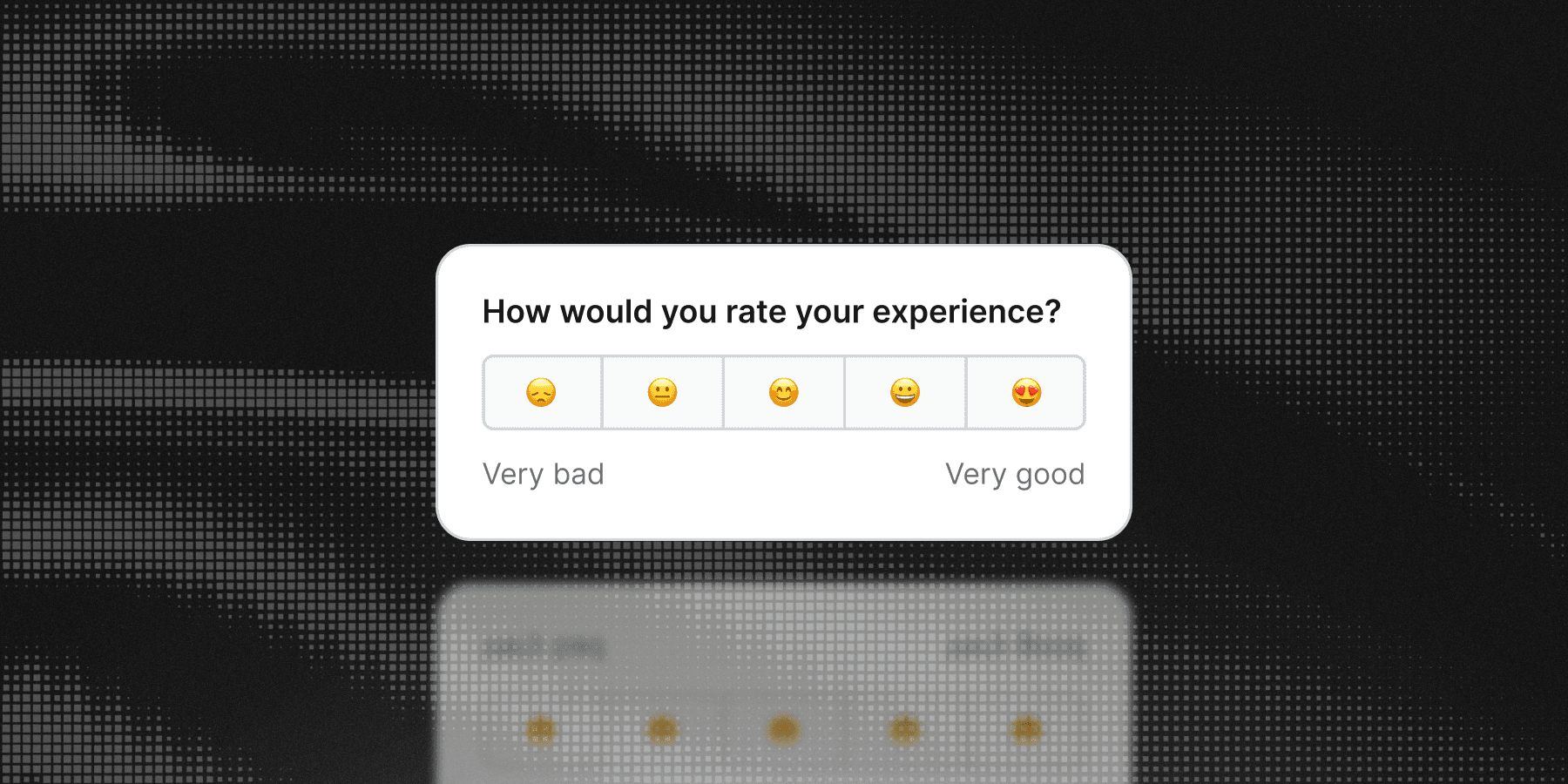
Question: How would you rate your experience? Usually a 1 to 5 scale in stars, numbers, or emojis.
What it measures: satisfaction with one specific interaction.
When to use it: immediately after a specific event. Such as a support conversation ending, a task finishing, a document exporting. CSAT is about the thing that just happened, which makes it the easiest of the four to act on.
CES (Customer Effort Score)
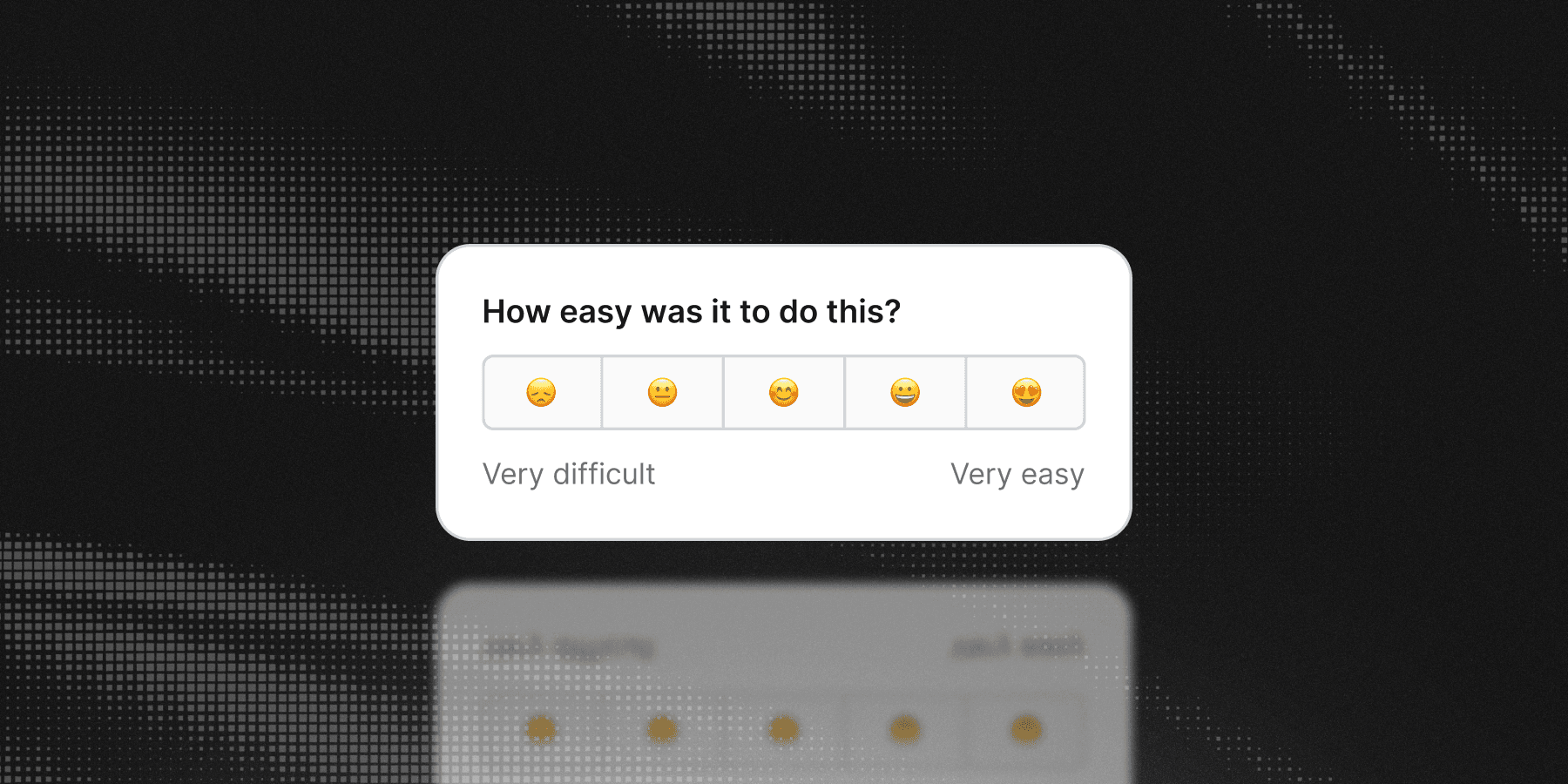
Question: How easy was it to do this? Usually a 1 to 7 or 1 to 5 scale.
What it measures: friction.
When to use it: after any flow you suspect is harder than it should be, or a new one you just introduced. Setup, integration, billing changes, anything with multiple steps. CES is the best predictor for whether someone will keep using a product, because effort is what people remember.
PMF (Product Market Fit)
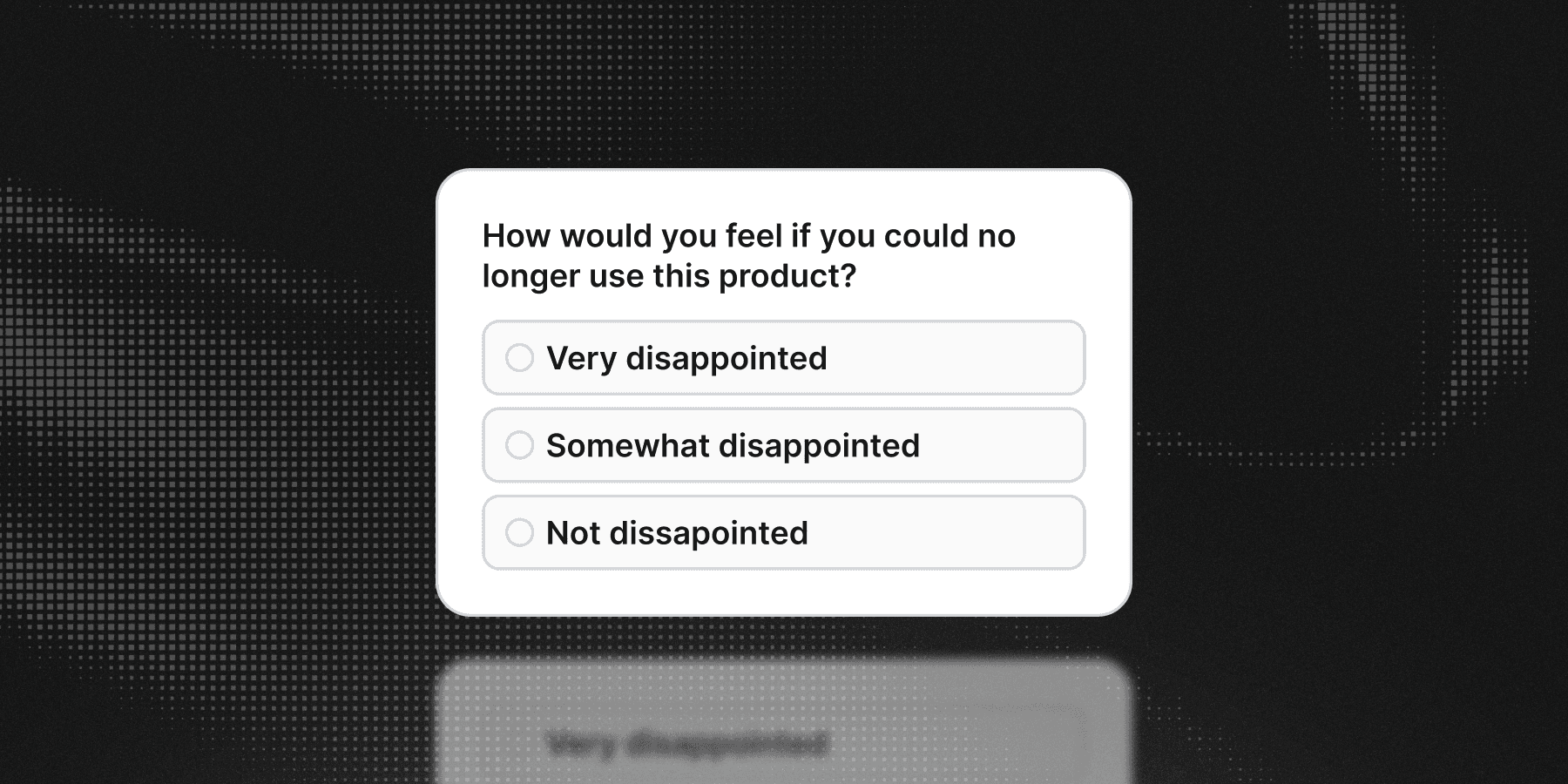
Question: How would you feel if you could no longer use this product? Very disappointed, somewhat disappointed, or not disappointed.
What it measures: whether your product is genuinely necessary to a segment of users.
When to use it: at earlier stages, or when entering a new segment. The convention is that 40 percent or more answering "very disappointed" indicates fit. Segment the answers before you draw any conclusion, because the interesting finding is usually which group is disappointed rather than the overall percentage.
Microsurveys
Microsurveys are a catch all for any other question you want to ask. They can be single choice, multiple choice, or freeform text. They are useful for feature requests, bug reports, and any other question that does not fit the four standard types.
A quick comparison
| Type | Asks about | Scale | Best moment |
|---|---|---|---|
| NPS | The relationship | 0 to 10 | Sampled continuously |
| CSAT | One interaction | 1 to 5 | Right after the interaction |
| CES | Friction | 1 to 7 | Right after a multi step flow |
| PMF | Necessity | Three options | After the user has real experience |
| Microsurvey | Anything else | Flexible | Context dependent |
Timing: the part that decides everything
A good question asked at the wrong moment produces a worse answer than a mediocre question asked at the right one. Some rules that hold up:
Ask after the event, not before. A satisfaction question that appears while the user is still working measures interruption, not satisfaction.
Ask while the memory is fresh. The useful window is minutes to hours, not weeks. Once someone has to reconstruct what happened, you are measuring their reconstruction.
Do not ask during failure. If a user just hit an error, a rating popover is going to collect the error, not the experience. Wait, or ask a question that is actually about the error.
Require enough tenure for the question to make sense. Asking a user on day one how likely they are to recommend you measures your marketing, not your product.
Cap the frequency. One survey per user per month is a reasonable ceiling for most products. Someone who gets asked repeatedly stops answering honestly, then stops answering at all.
Never interrupt a paid or critical action. Nothing should appear over a checkout, an upload, or anything with a deadline attached.
Writing questions people answer
- Ask one thing. "How easy and fast was setup?" gets you an answer about neither.
- Avoid leading language. "How much did you enjoy the new editor?" has already told the user what you want to hear.
- Keep the scale consistent. If low means bad in one survey, low means bad in all of them. Mixed polarity ruins comparisons and confuses users.
- Label the ends. A bare 1 to 5 scale means different things to different people. "Very difficult" and "Very easy" fix that.
- Always add an open follow up. The rating tells you where to look. The comment tells you what to fix. Make it optional.
- Make most questions skippable. Forced answers produce noise from people who just want the thing gone.
- Say what happens next. A one line end screen confirming the response was received measurably improves the odds of a second response later.
What it takes to build one
The UI is the easy part. A popover with a rating scale is an afternoon of work. What follows is not:
- Per user state. Which users have seen which survey, who answered, who dismissed it, and who should never see it again. This has to survive reloads, sessions, and devices, so local storage is not enough.
- Targeting. Filtering by plan, role, tenure, page, or what the user has actually done in your product. And it needs to be editable by the people who own the research, not only by whoever can deploy.
- Frequency capping. Global rules across every survey you run, so users are not hit repeatedly.
- Analytics. Response and completion rates, distributions per question, and a way to export raw responses for real analysis.
- Localization. Every question, option, and label, in every language you support.
- Content management. Questions change constantly. If every change is a deploy, the surveys will go stale and stay stale.
This is the same infrastructure problem as onboarding, which is why it makes sense to solve them in one place rather than paying for a separate feedback tool that knows nothing about your product.
How Flows does it
In Flows a survey is a block inside a workflow, not a standalone artifact. That has a few consequences worth spelling out.
The survey knows where the user is. Because it sits at a point in a workflow, it can appear after the user finished onboarding, after they used a feature three times, or after they upgraded.
Your components render it. Start with the Survey Popover that ships with Flows, then swap in your own component when you want it to match your design system. Flows owns the questions, logic, state, and analytics. You own the pixels.
Five question types. Freeform text, rating (numbers, stars, or emojis, including the 0 to 10 NPS scale), single choice, multiple choice, and link, mixed freely in one survey. Questions can be optional, options can shuffle, and choice questions can include a free text "Other" field.
Results are built in. Every survey block reports how many users saw it, how many completed it, and a breakdown for each question, with distribution charts and summary stats for ratings. Raw responses export as CSV.
To build one, see the create a survey guide or the surveys documentation.
Live examples
Each of these is a working demo with source code:
Choosing a tool
Most survey tools fall into three groups.
Dedicated feedback platforms are built for research teams and do that job well. They are separate products with separate billing, and they generally do not know what the user is doing in your application. Compare Flows with Sprig, Refiner, Survicate, Screeb, and Qualaroo.
NPS and CSAT specialists do one metric, usually well, usually by email or a simple widget. Compare Flows with Delighted, SatisMeter, and Wootric.
Form builders and libraries are general purpose. They are flexible and cheap, and everything above the form itself, targeting, state, analytics, is yours to build. Compare Flows with Typeform, Formbricks, and SurveyJS.
The question worth asking is whether feedback is a separate activity for you or part of the product experience. If it is separate, a dedicated tool is fine. If you also run onboarding, tours, and announcements, running feedback through the same engine means one integration, one set of targeting rules, one frequency cap, and surveys that can actually react to what the user did.
Getting started
- Pick one flow you suspect is harder than it should be.
- Put a CES question at the end of it, targeted at users who just completed it.
- Add an optional open follow up.
- Let it run for two weeks, then read the comments before you look at the score.
You can build this on the free plan without a credit card.